> For the complete documentation index, see [llms.txt](https://docs.messageflow.com/llms.txt). Markdown versions of documentation pages are available by appending `.md` to page URLs; this page is available as [Markdown](https://docs.messageflow.com/email/e-mail-api/analytics/senders-report.md).
# Senders report
This report allows you to compare the effectiveness of different senders (domains or email addresses) you use for API dispatches. Use it to check which sender generates the best engagement or highest deliverability.
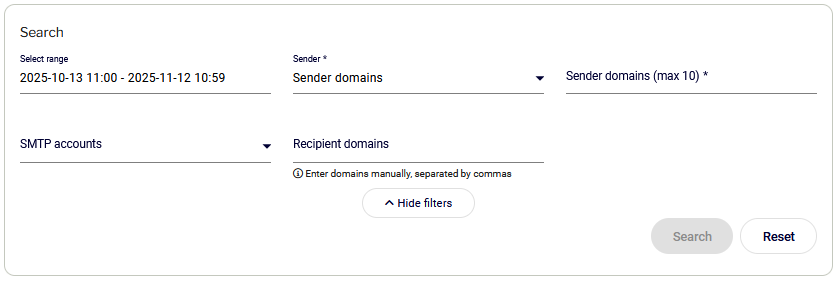
### Search Filters
This section allows you to filter data by:
* **Date range:** Allows you to select the analysis period.
* **Sender (Required):** Option to filter by **Sender Domains** or **Sender Addresses** (max 10).
* **SMTP Accounts**
* **Recipient domains**
### Results for selected senders
Data is presented in two views:
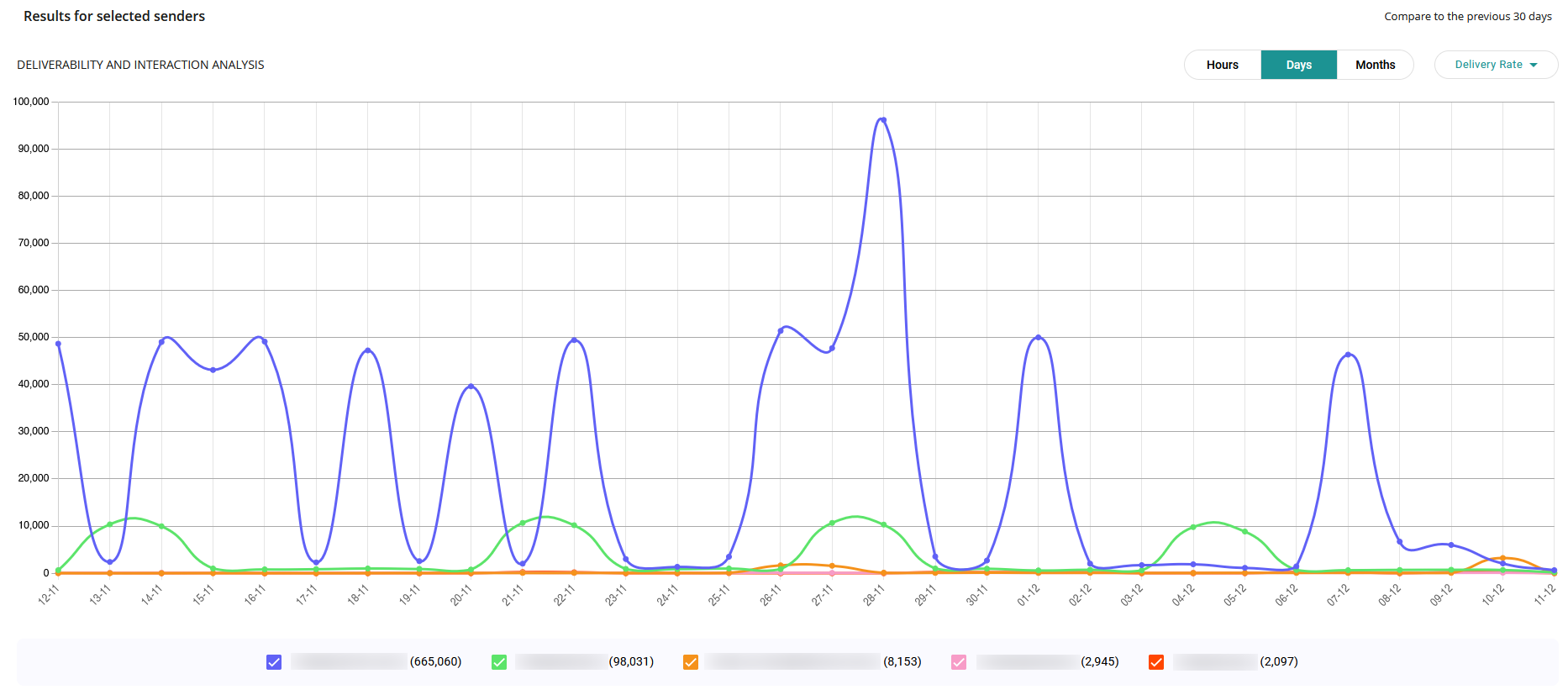
#### Chart (Deliverability and interaction analysis)
Allows tracking trends for the selected senders in hourly, daily, or monthly views. You can analyze the following metrics: Delivery Rate, Click Rate, Open Rate, and Bounce Rate.
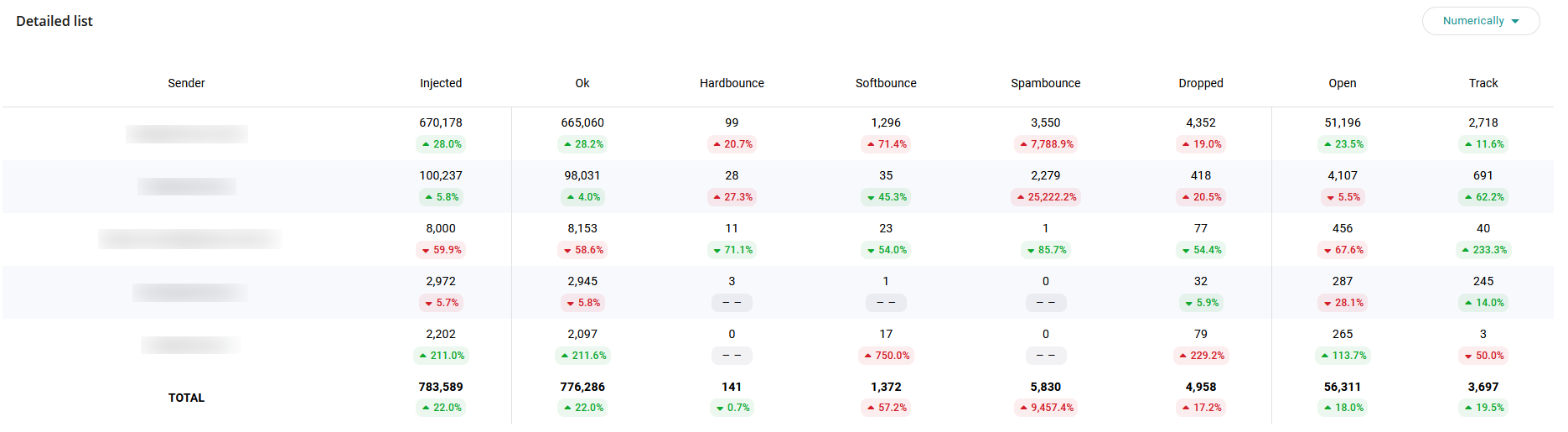
#### Table (Detailed summary)
Presents raw data for the selected senders in columns: Sender, Injected, Ok, Hardbounce, Softbounce, Dropped, Open, Track. The table has a toggle to display data in numeric or percentage view.