> For the complete documentation index, see [llms.txt](https://docs.messageflow.com/llms.txt). Markdown versions of documentation pages are available by appending `.md` to page URLs; this page is available as [Markdown](https://docs.messageflow.com/email/e-mail-campaigns/analytics-audiences-and-reports/monitoring-deliverability-opens-clicks.md).
# Monitoring deliverability, opens, clicks
To check the results of the campaign go to email -> Campaigns -> Report.
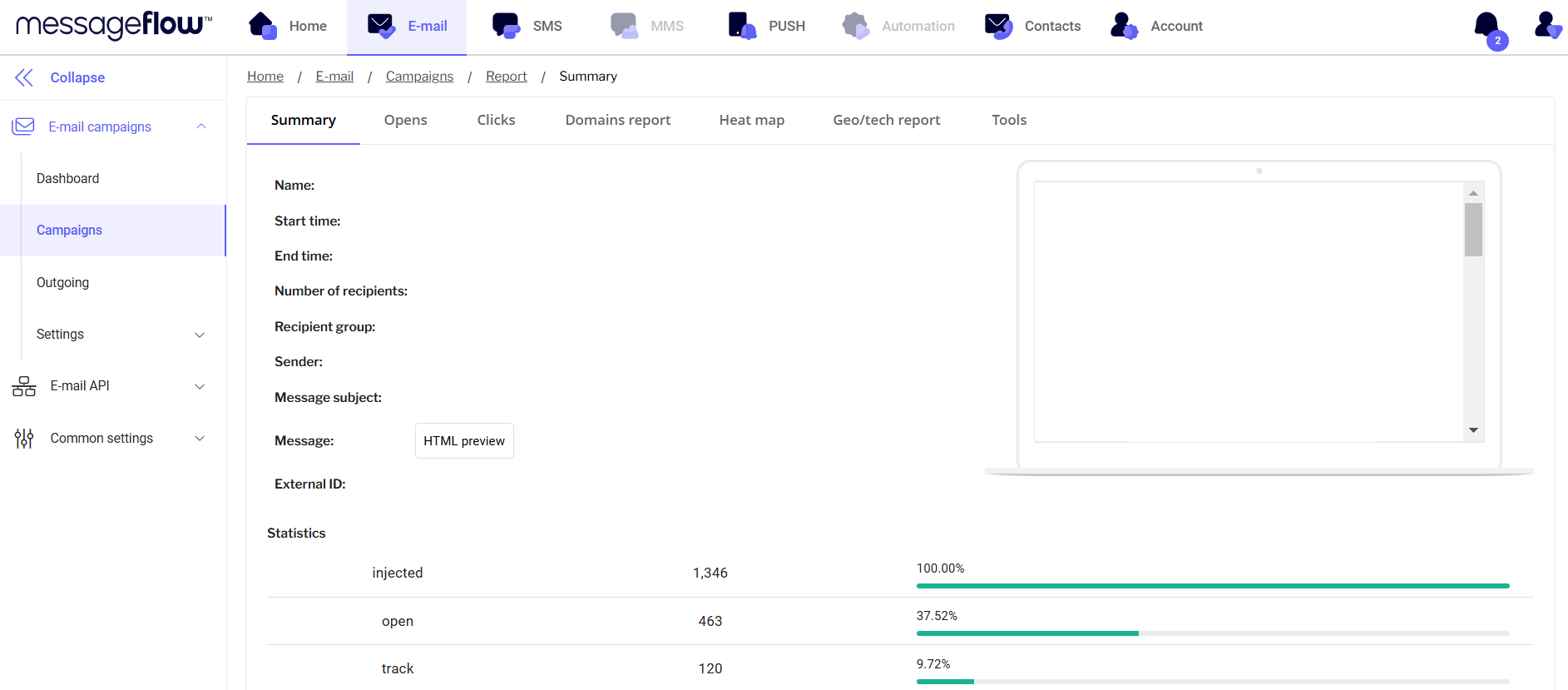
1. **"Summary" tab**
This tab contains basic information about the campaign, such as:
* Campaign name
* Shipping time
* Customer group and number of customers
* HTML preview of Email creation
* Statistics: number of messages sent (injected), opened (open), tracked clicks (track), unsubscribed (unsubscribe), and types of deliverability errors (hardbounce, spambounce, softbounce).
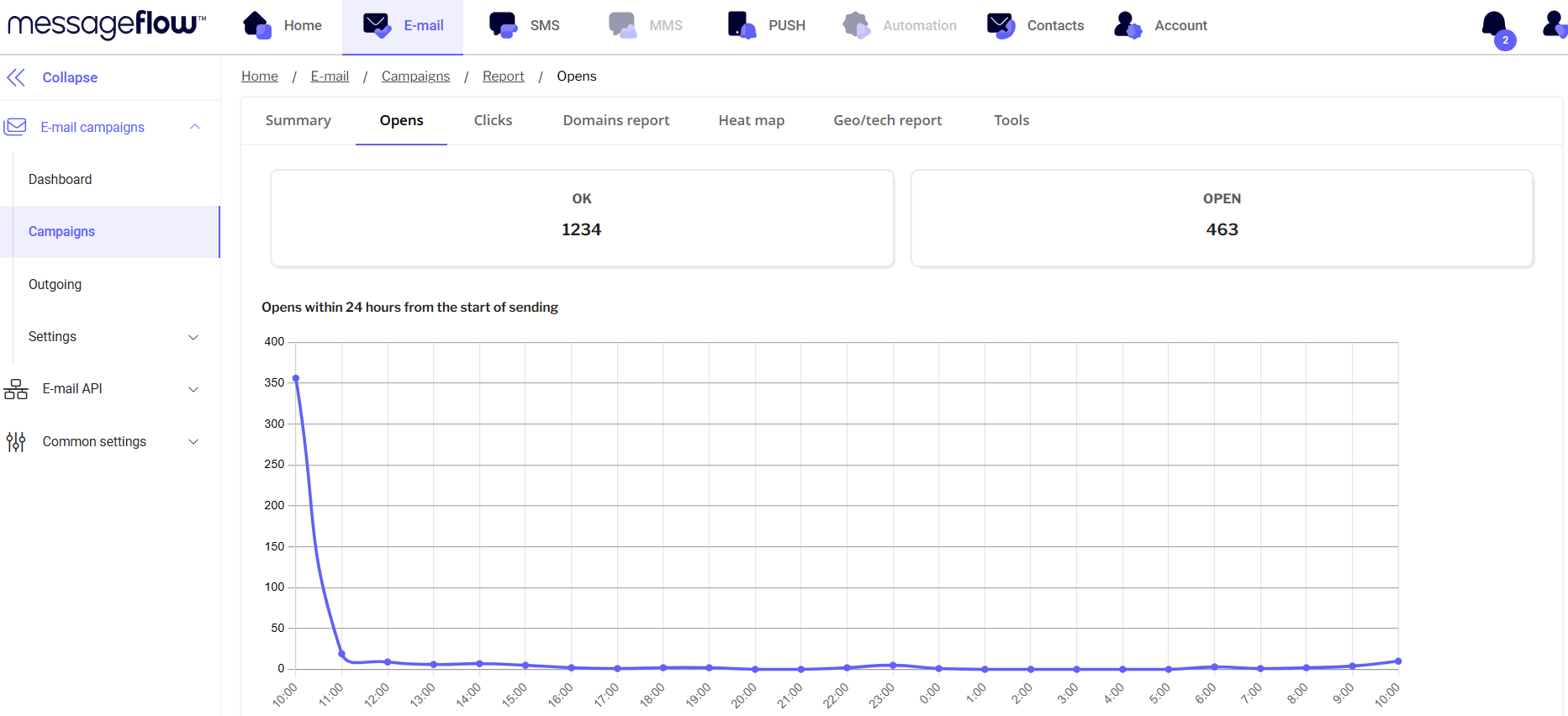
2. **Openings**\
This section shows charts of email openings:
* Broken down by hour within the first 24 hours of shipment.
* By day, for the first 7 days after shipment.
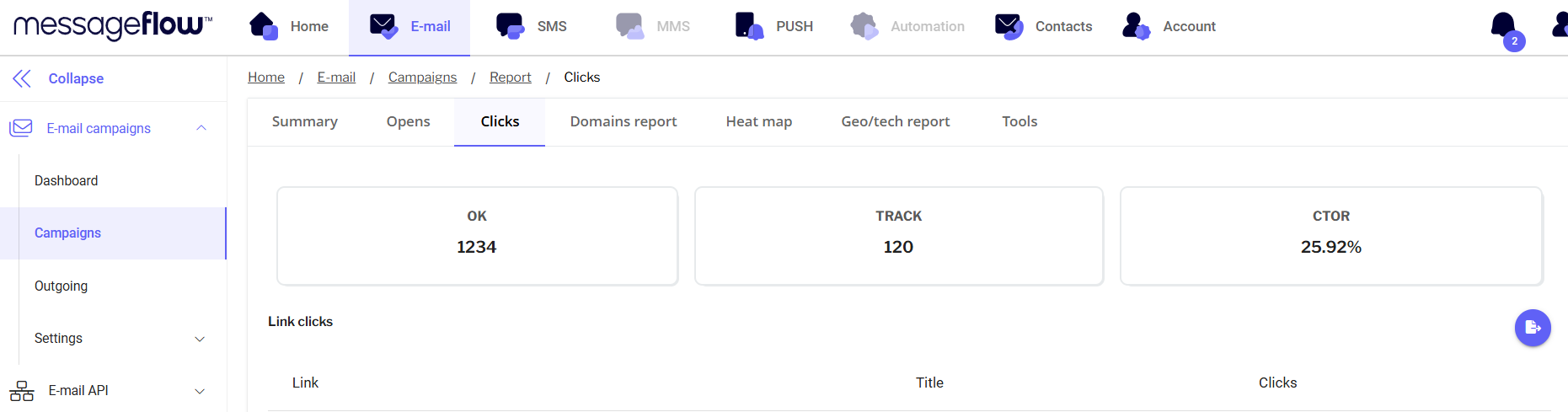
3. **Clicks**\
In this section you will find statistics on clicks on specific links in the message.
* Ability to export clicks to an Excel file.
* The ability to create a group of recipients who clicked a link.
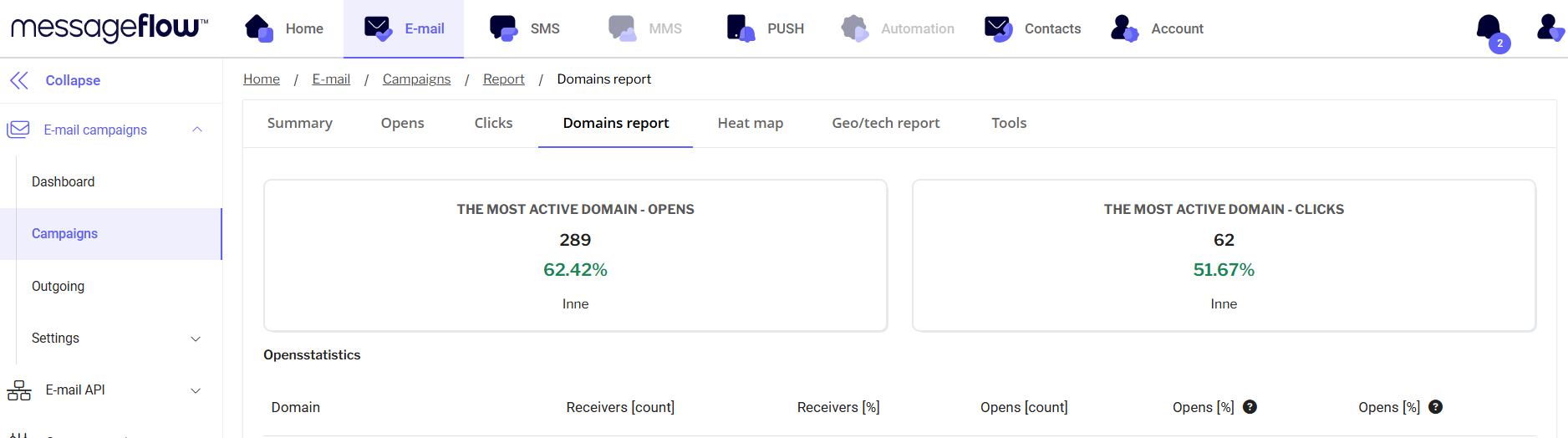
4. Domain report
* Statistics of the domains to which the campaign was sent, along with information about the domain with the highest number of opens and clicks.
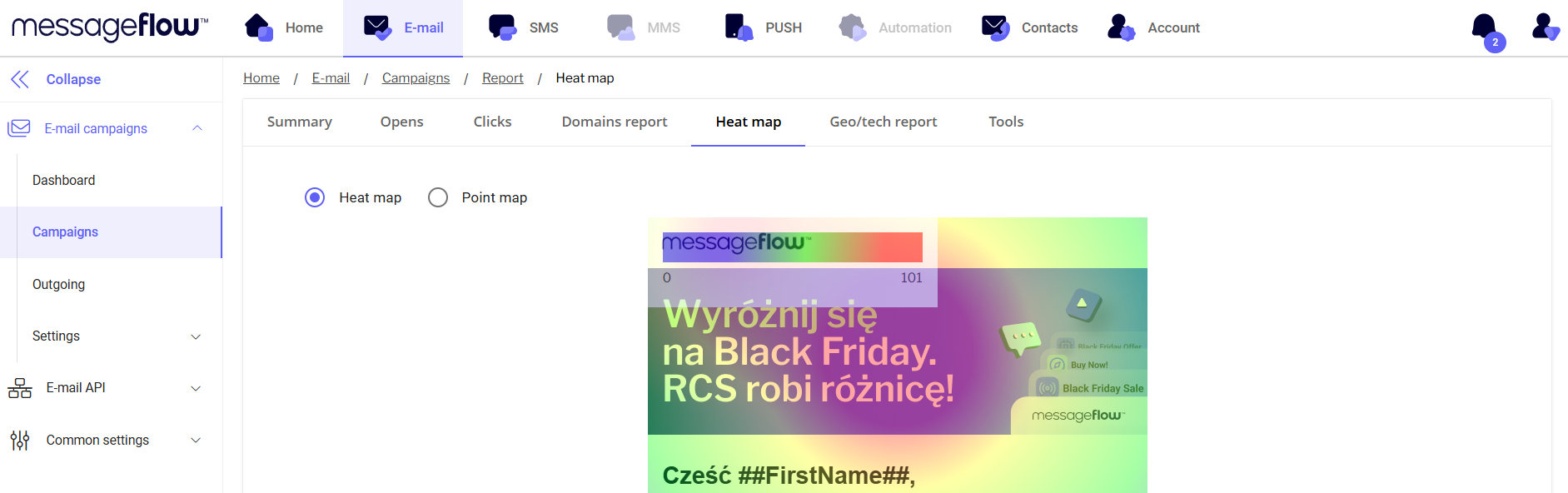
5. **Heat map**
* Visualization of clicks on different areas of the email creative, with color-coding of the areas that were clicked most often.
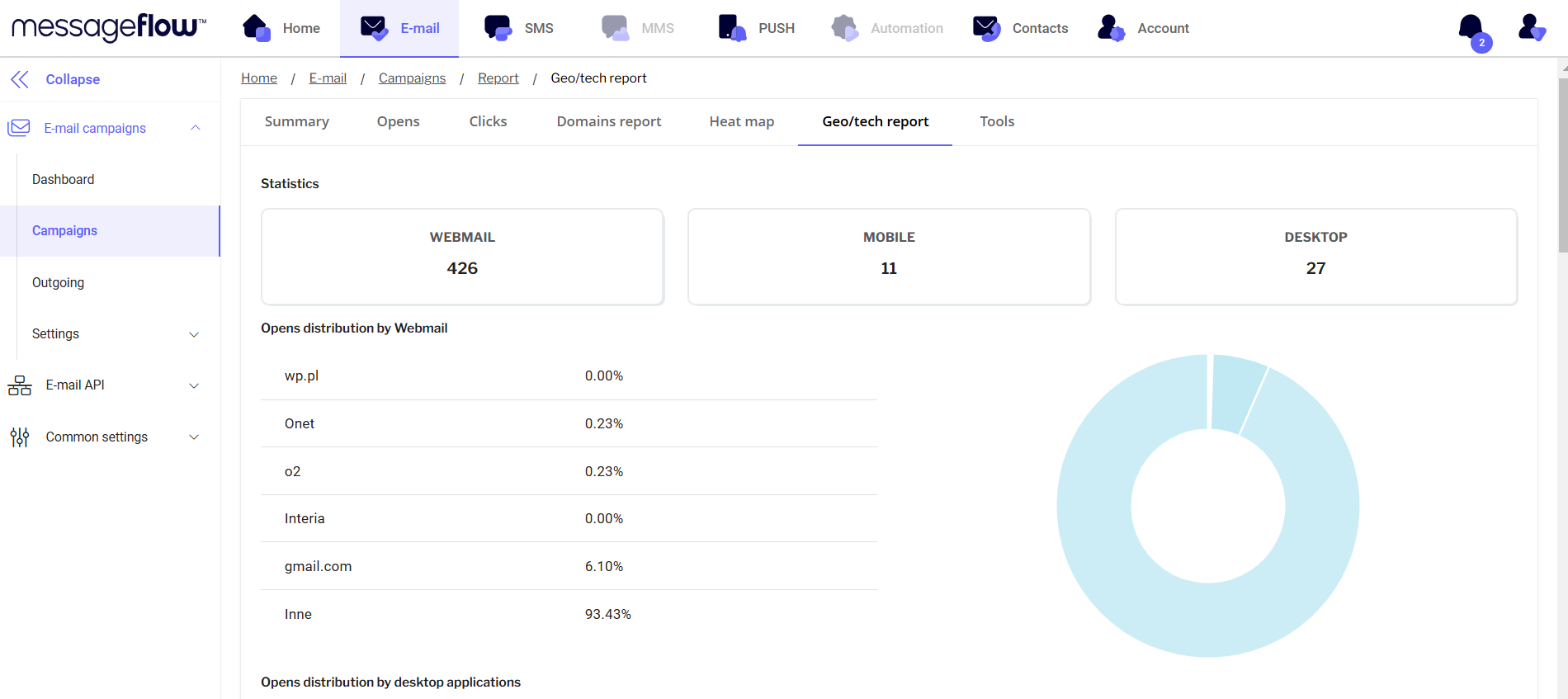
6. **"Geo/tech report" tab**\
Opening messages with a breakdown:
* Cities
* Countries
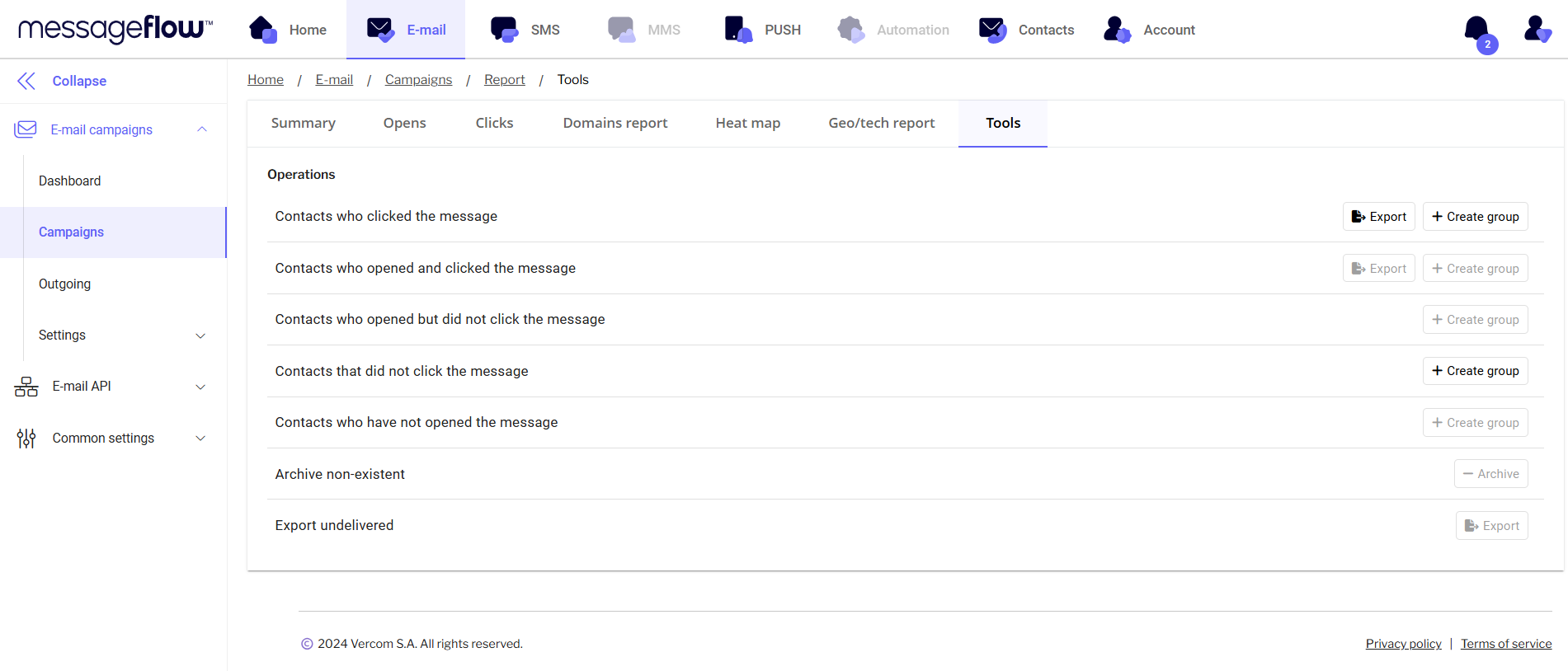
7. "Tools" tab
* Ability to export undelivered messages along with the reason for non-delivery.
* Create groups of recipients based on activity (e.g., who clicked, opened the message or who did not).
8. Statuses in reports
* **OK:** shows how many emails have been successfully delivered to recipients.
* **Hardbounce:** This indicator refers to messages that have been permanently rejected by mail servers. This usually happens when the email address is inactive or does not exist. Softbounce: This refers to messages that have been temporarily rejected. This can be due to a full mailbox, server problems or other technical difficulties.
* **Spambounce:** Indicates messages that have been blocked by spam filtering systems. This may be because the content of the message was deemed suspicious or the sender was marked as spam.
{% hint style="info" %}
For a full explanation of all message statuses (Injected, OK, Softbounce, Spambounce, Hardbounce, Dropped, Deferred, Open, Track, Feedback), see [Message Statuses](https://docs.messageflow.com/email/message-statuses).
{% endhint %}