> For the complete documentation index, see [llms.txt](https://docs.messageflow.com/llms.txt). Markdown versions of documentation pages are available by appending `.md` to page URLs; this page is available as [Markdown](https://docs.messageflow.com/email/e-mail-campaigns/campaigns/campaign-list.md).
# Campaign list
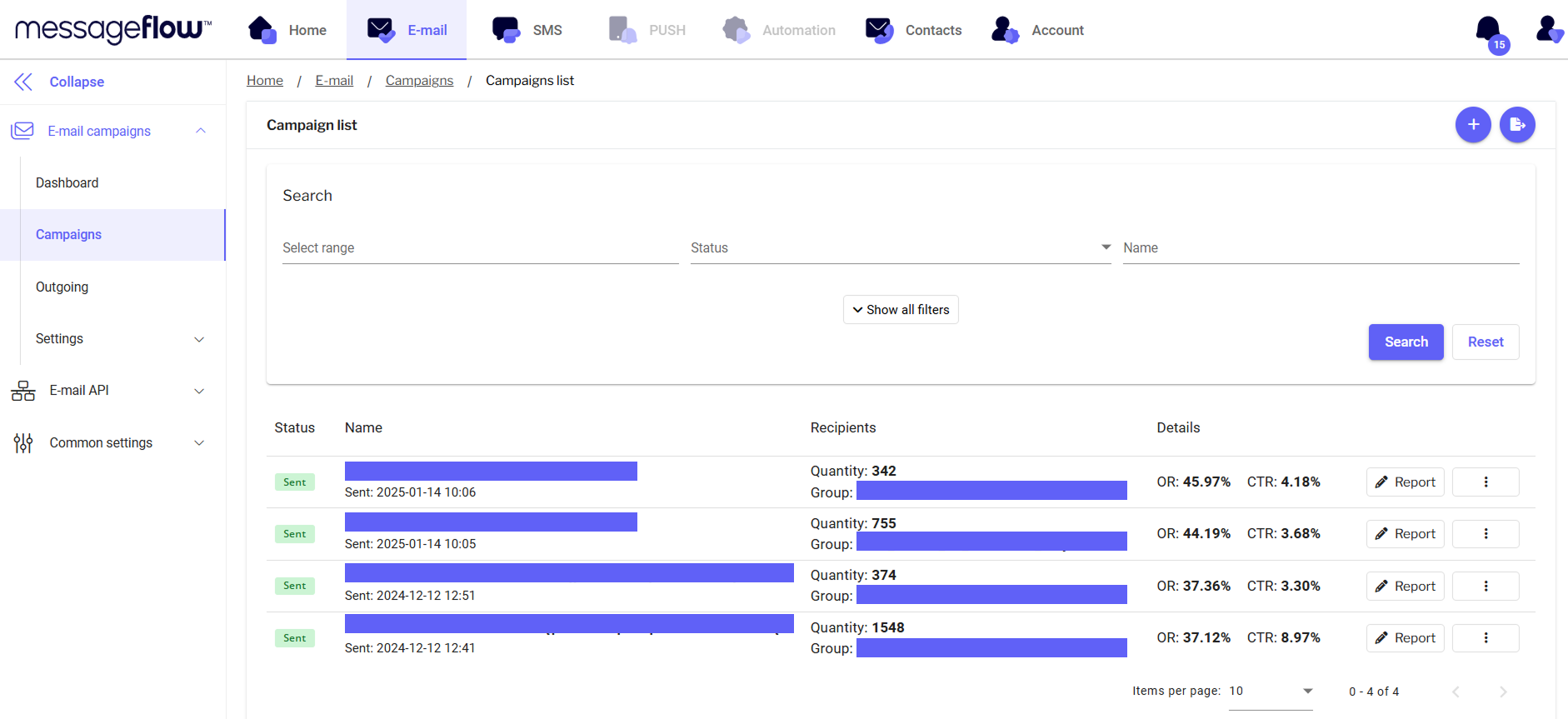
In the **Campaigns** tab, in the **Campaign List** view, you can see a list of the most recently sent email campaigns from the panel, along with their details.
## Search
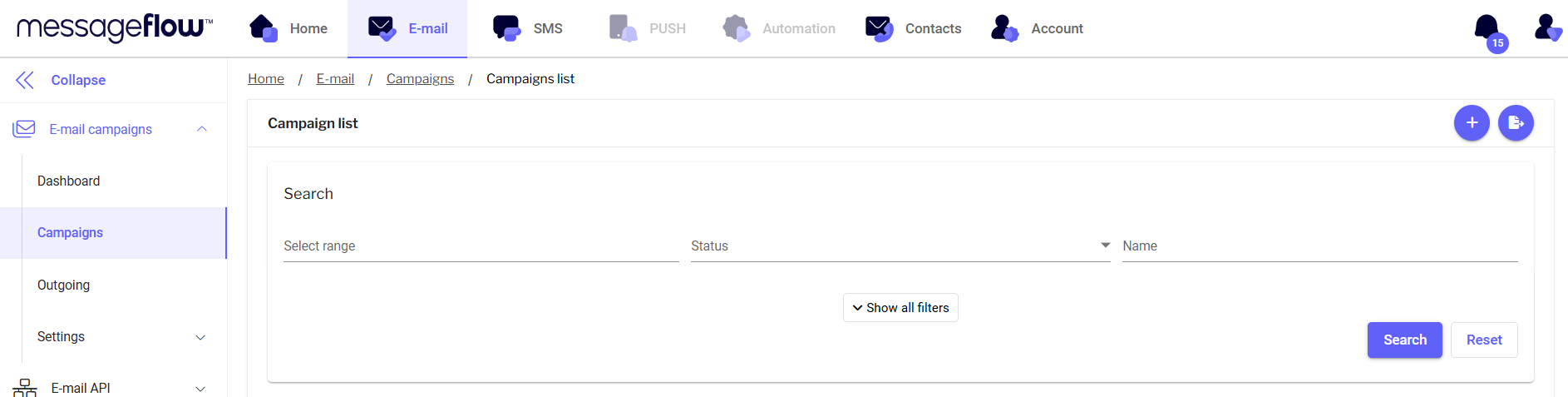
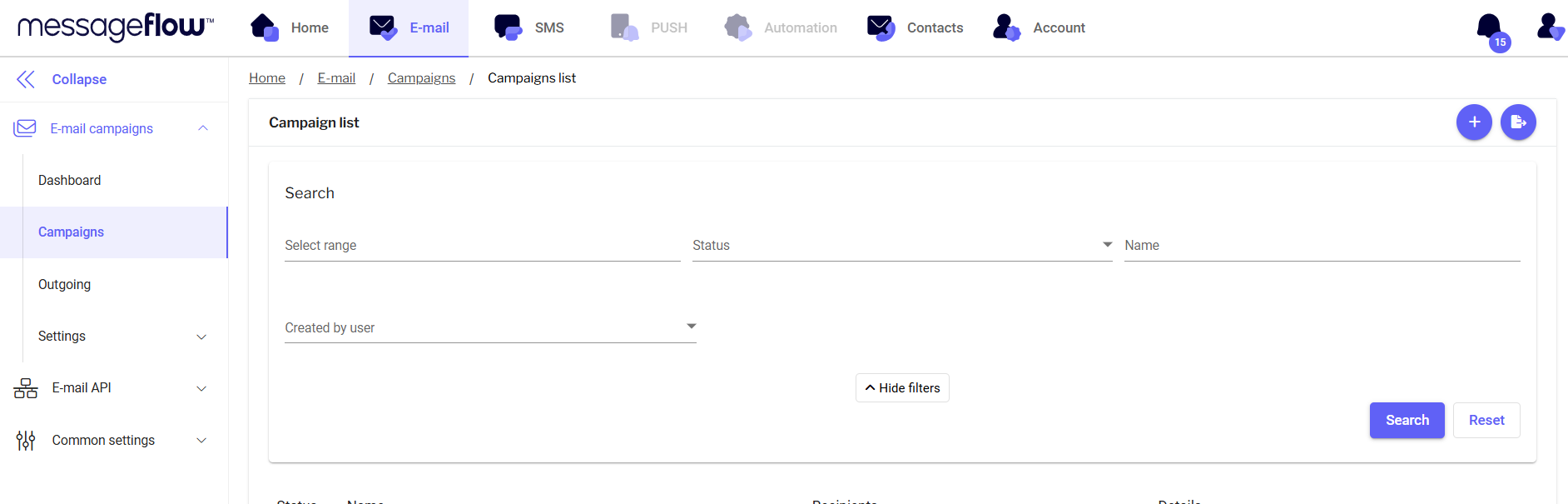
In the search engine, you will find filters so that you can search for specific campaigns:
* **Select range** - when you click on this filter, you will see a calendar where you can select the date range of campaign dispatches you are interested in
* **Status** - search by campaign status
* **Name** - search by campaign name
* Created by user - search by the user (user account name) who sent the campaign -> the filter is visible after pressing the **Show all filters** button
## Features
**Functions available in this view:**
* **Add new campaign** – using the + icon in the top right corner, you can add a new campaign.
* **Export campaign** – using the export icon in the top right corner. This allows you to export sent campaigns to a file. This way, you can analyze delivery data such as campaign results, send time, and the number of recipients.
* **Search** – find campaigns by their names, statuses, or date ranges.
* **Campaign list** – view the most recently sent email campaigns from the panel.
* **Status** – check the status of your email campaign.
* **Editing** – campaign being edited.
* **Scheduled** – campaign scheduled for sending.
* **Preparing** – campaign being prepared for sending.
* **Sending** – campaign in the process of being sent.
* **Sent** – campaign completed.
* **Name** – name of your campaign.
* **Details** – more information about the campaign:
* **Recipients** – the group of recipients assigned to the campaign.
* **Number of recipients** – the number of email addresses to which the campaign will be sent.
* **OR** – Open Rate – message view rate.
* **CTR** – Click-through Rate – the percentage of clicks on links in your sent campaign.
* **Edit** – edit campaigns that have not yet been sent.
* **Copy** – copy campaigns and edit or resend them to another recipient group.
* **Delete** – delete campaigns that have not yet been sent.
* **Report** – open the report for the selected campaign and analyze its results. You can find the discussion of campaign reports here.