> For the complete documentation index, see [llms.txt](https://docs.messageflow.com/llms.txt). Markdown versions of documentation pages are available by appending `.md` to page URLs; this page is available as [Markdown](https://docs.messageflow.com/mobile-push/mobile-push-common-settings/applications.md).
# Applications
In this tab, you will find the list of all mobile applications integrated with the Push notification system.
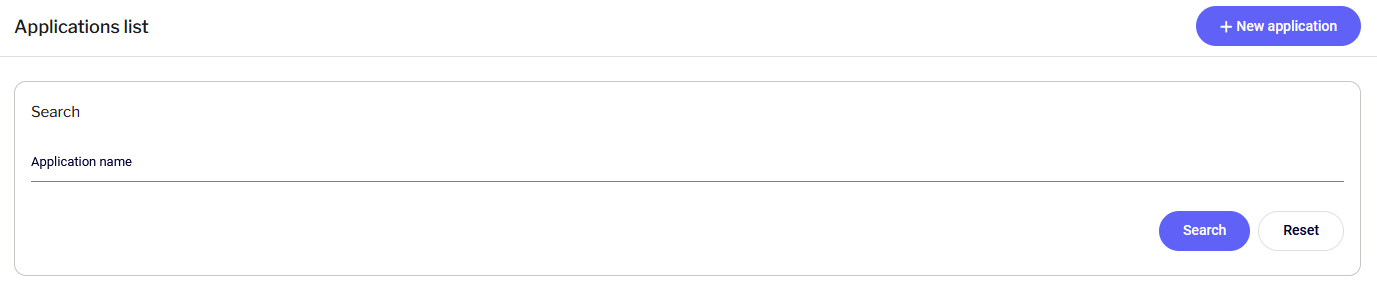
#### Search
Above the list, there is a search field that allows you to quickly find an application by its name. After entering a phrase, click **Search**.
#### Application list
The table contains key configuration information:
* **Status**: The current activity state of the application.
* **Operating system**: The platform for which the application is registered (Android / iOS).
* **Application**: The name defined in the system.
* **Additional data**: Technical details such as token, secret, identifier, or information about development mode.
## **Adding New Applications**
1. Click the **+ New application** button in the upper right corner of the screen.
2. In the form, enter:
* Application name (for identification in the panel).
* Type (Operating system: iOS or Android).
* Configuration data specific to the selected system (e.g., FCM/APNS).
3. Click **Add** to save the configuration.
{% hint style="warning" %}
After adding the application, contact our support team at **** to notify the Team about the newly added applications. Support Team will complete the configuration and inform you once the application is ready.
{% endhint %}