> For the complete documentation index, see [llms.txt](https://docs.messageflow.com/llms.txt). Markdown versions of documentation pages are available by appending `.md` to page URLs; this page is available as [Markdown](https://docs.messageflow.com/mobile-push/push-campaigns/dashboard.md).
# Dashboard
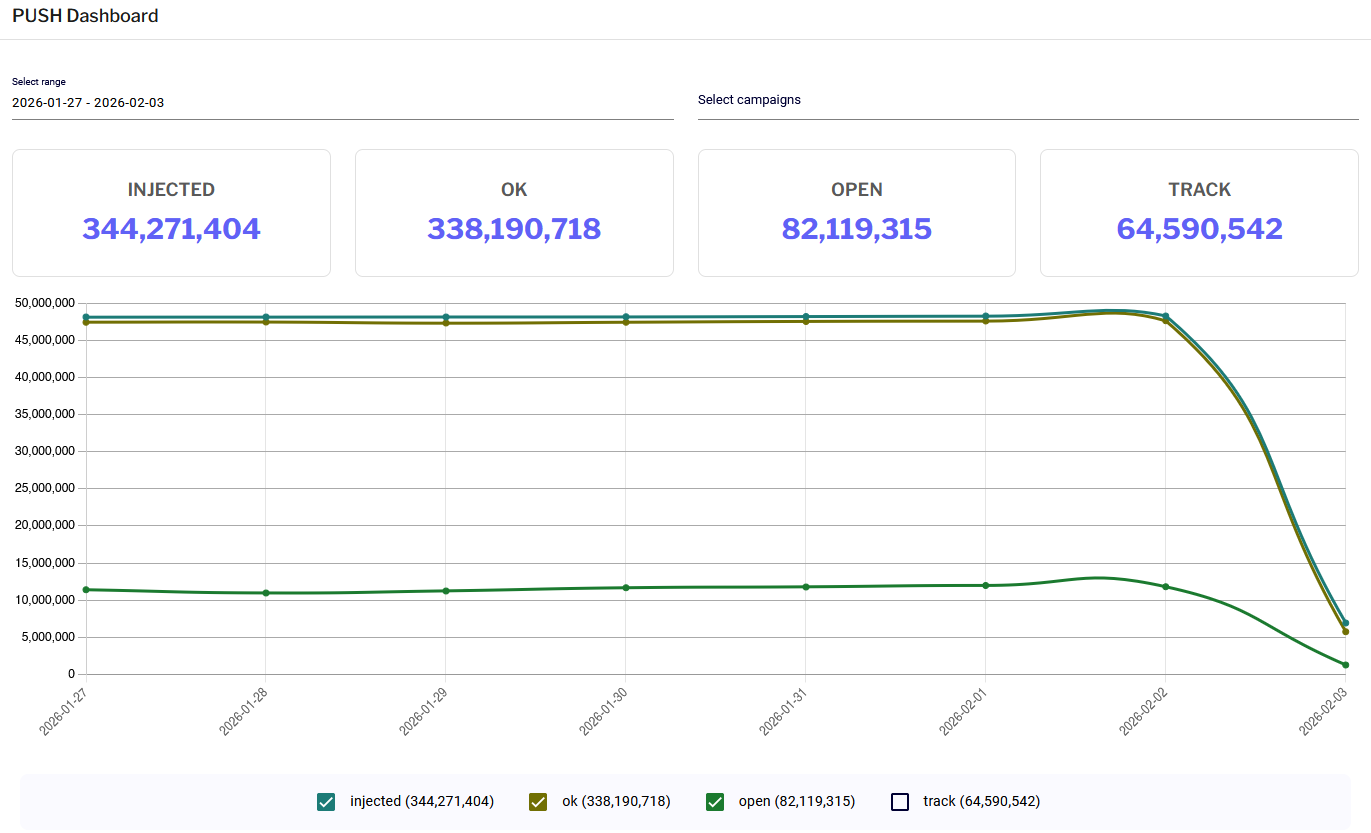
The Dashboard tab (Menu: PUSH -> Dashboard) provides a comprehensive summary of your campaign performance over a selected period.
**Available elements:**
* **Filters (Top bar)**
* **Select range**: Defines the time frame for analysis (default: last 30 days).
* **Select campaigns**: Allows you to filter statistics for all campaigns or select specific ones.
* **KPI Indicators (Tiles)**
* **INJECTED**: The number of notifications accepted by the system.
* **OK**: The number of notifications confirmed as successfully delivered to intermediary servers (FCM/APNs).
* **OPEN**: The number of notifications clicked (opened) by users.
* **TRACK**: The number of registered interactions, such as clicks on links embedded within the notification.
* **Line chart:** A visualization of notification volume over time. Below the chart, you will find a legend that allows you to toggle specific data series (injected, ok, open, track) on and off to customize the view.
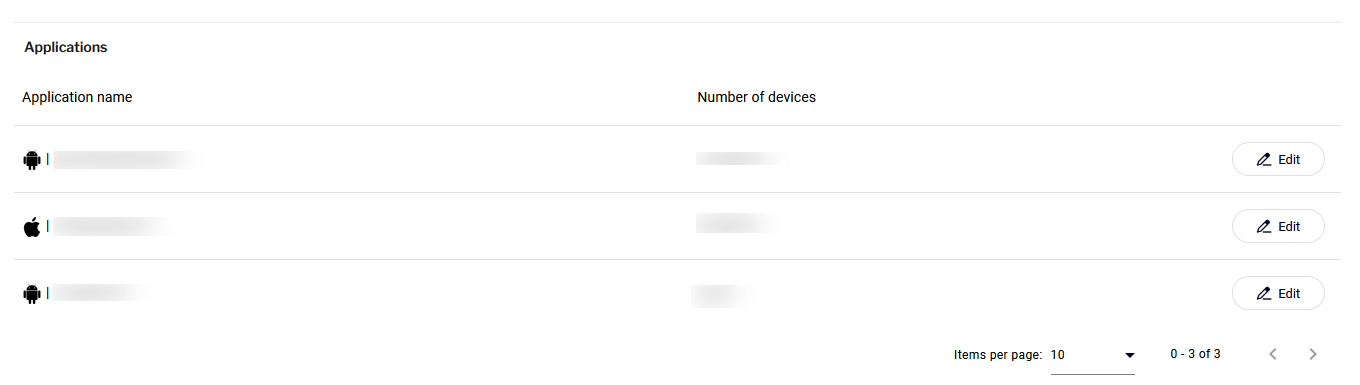
* **Applications:** Located below the chart, this table displays the number of active devices (subscribers) assigned to each of your integrated applications.