> For the complete documentation index, see [llms.txt](https://docs.messageflow.com/llms.txt). Markdown versions of documentation pages are available by appending `.md` to page URLs; this page is available as [Markdown](https://docs.messageflow.com/rcs/first-steps/message-types-and-components.md).
# Message Types and Components
The RCS channel enables interaction with users through a variety of message types – from simple text to advanced, interactive formats.
The following specification reflects standards used by major global operators.
***
## RCS Basic / Lite
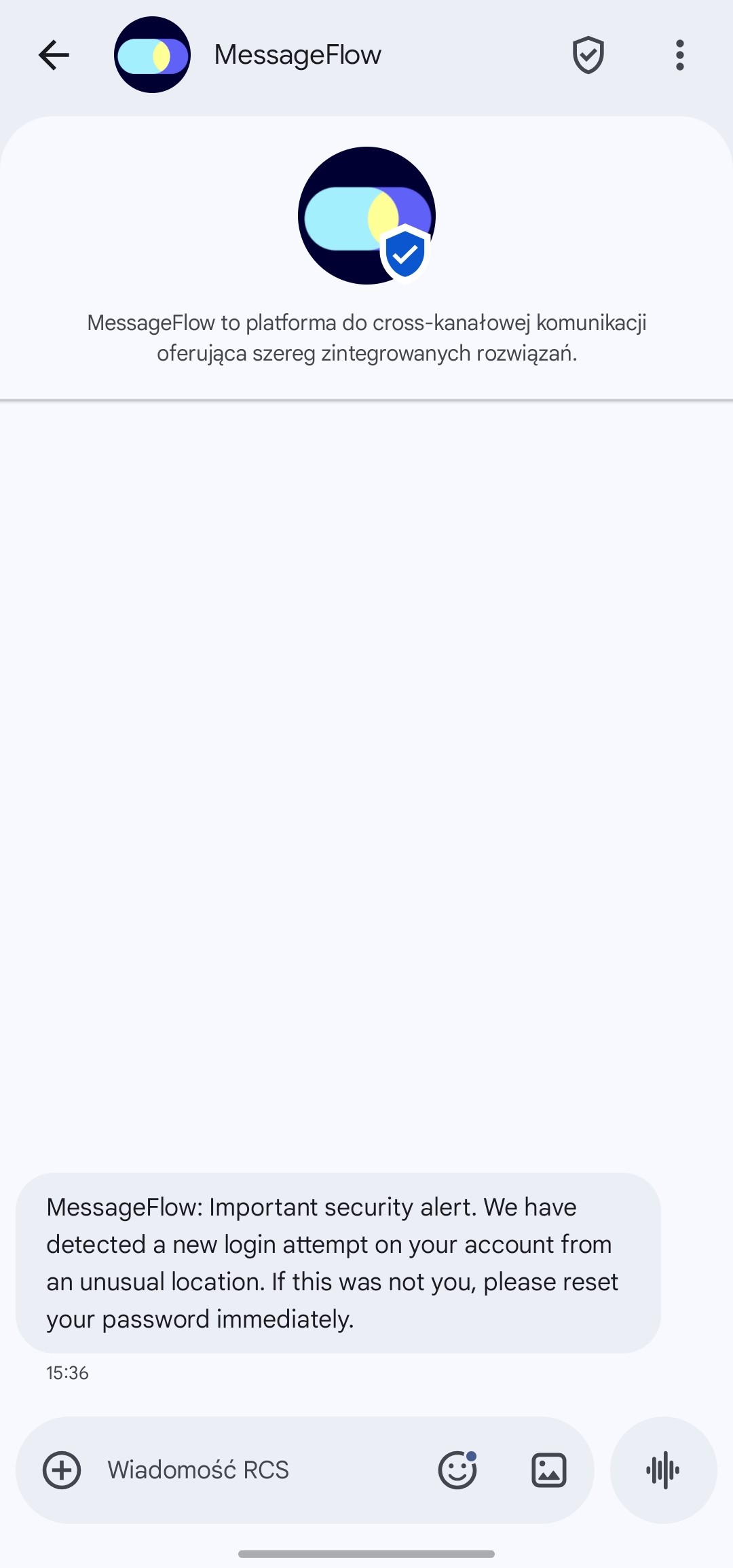
The simplest message type – equivalent to a verified SMS, but with all the key advantages of the RCS channel.
It contains only text and is ideal for short, straightforward communications.
**Main advantages:**
* **Sender verification:** Messages are sent from a verified Brand Agent profile, increasing trust and authenticity.
* **Analytics:** Access to delivery and read receipts, enabling detailed performance tracking.
**Technical specifications:**
* **Message content:** Up to 160 UTF-8 characters (emoji characters count as two).
* **Limitations:** No suggestion buttons allowed.
***
## RCS Single Message / Rich RCS
An extended format that adds rich media and interactive buttons to the “Basic” message.
This is a key message type – every two-way conversation (Chat) starts with a Single Message and becomes an active chat once the recipient replies.
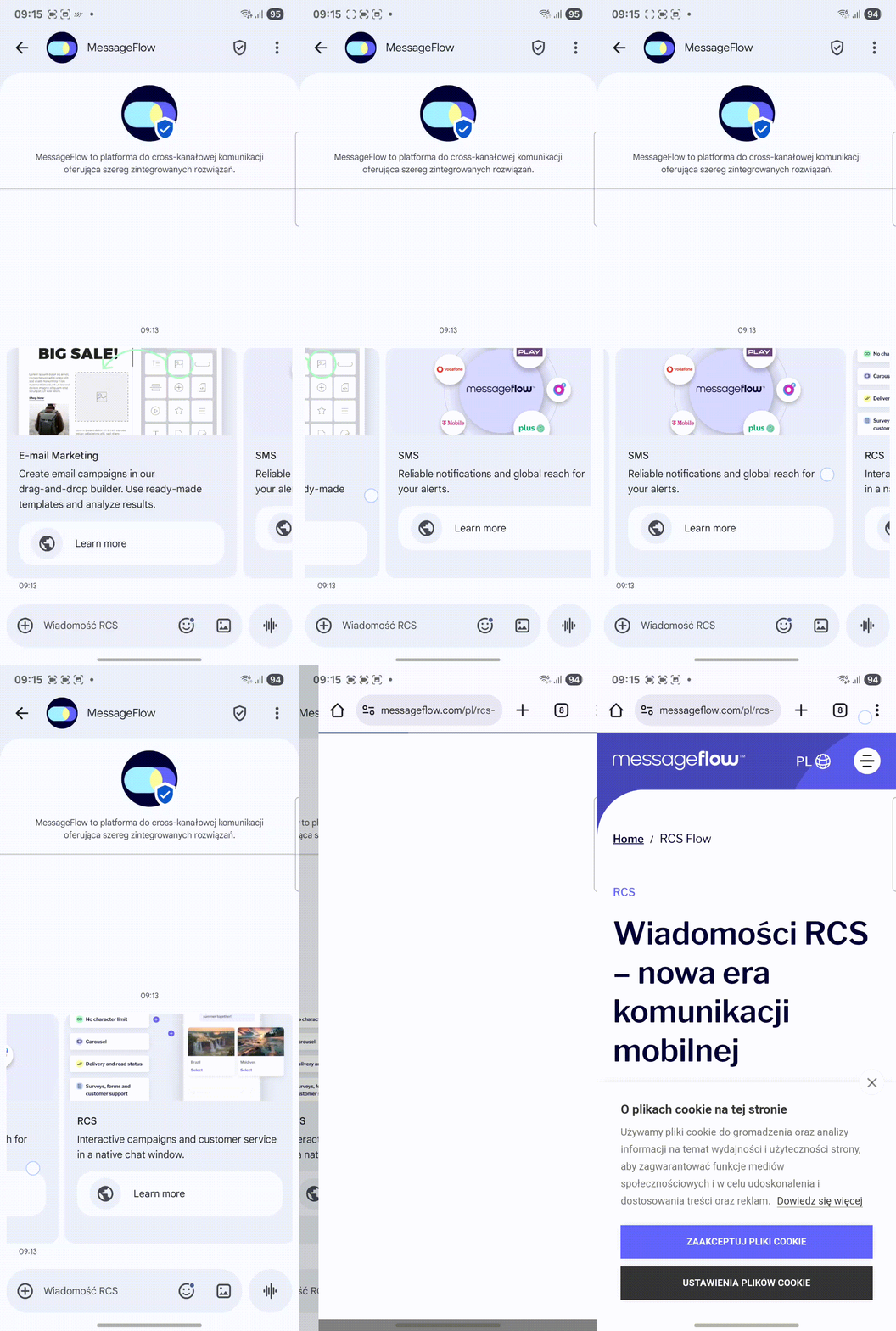
Rich RCS messages can include more advanced components such as Rich Cards or Card Carousels, serving as a single, expanded communication or as an entry point for further interaction.
### Text Message (Single Text)
An extended text message with optional buttons.
* **Message content:** Up to 1,000 UTF-8 characters (emoji characters count as two).
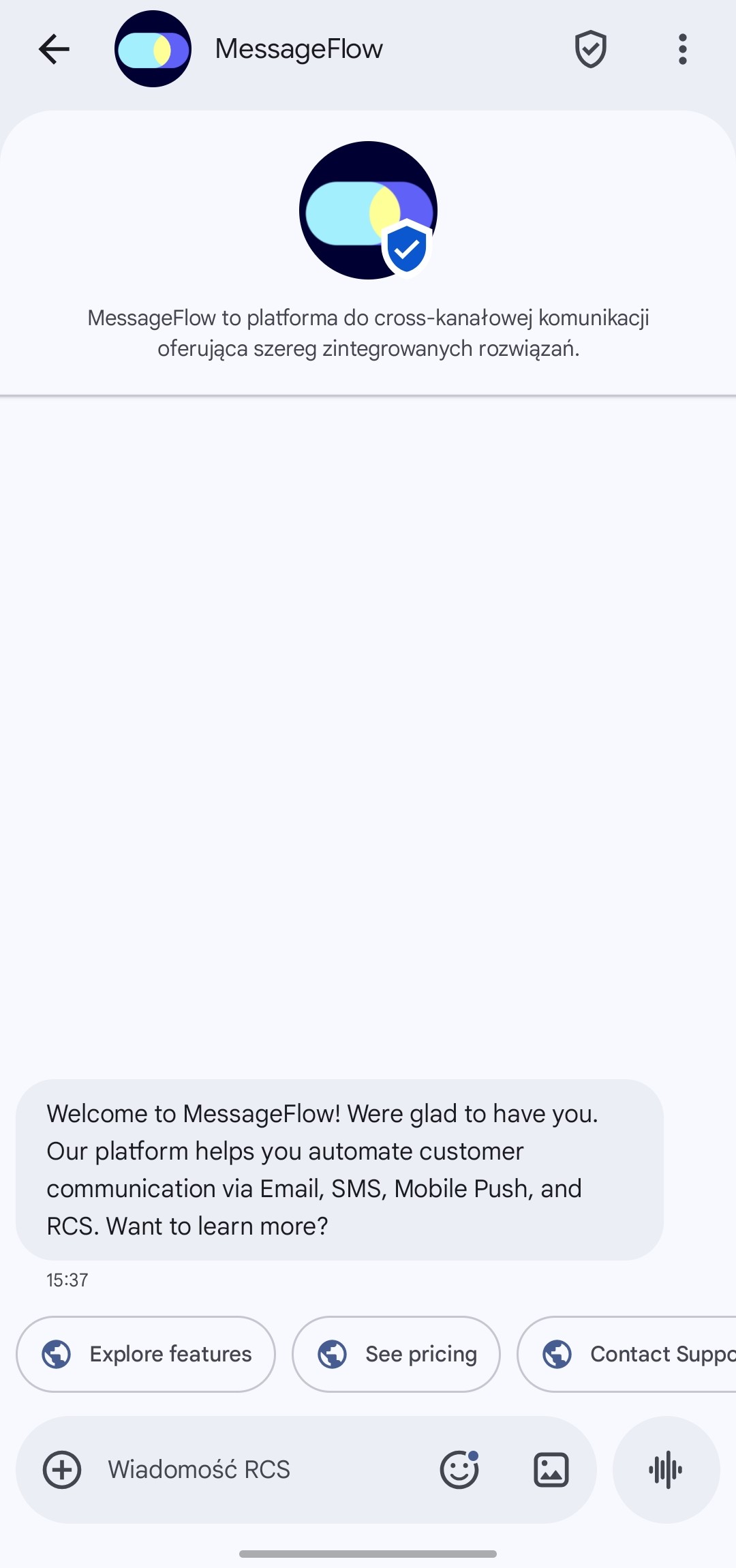
* **Suggestions (buttons):** Up to 11 general suggestions (e.g., action buttons).
### Video (Standalone Message)
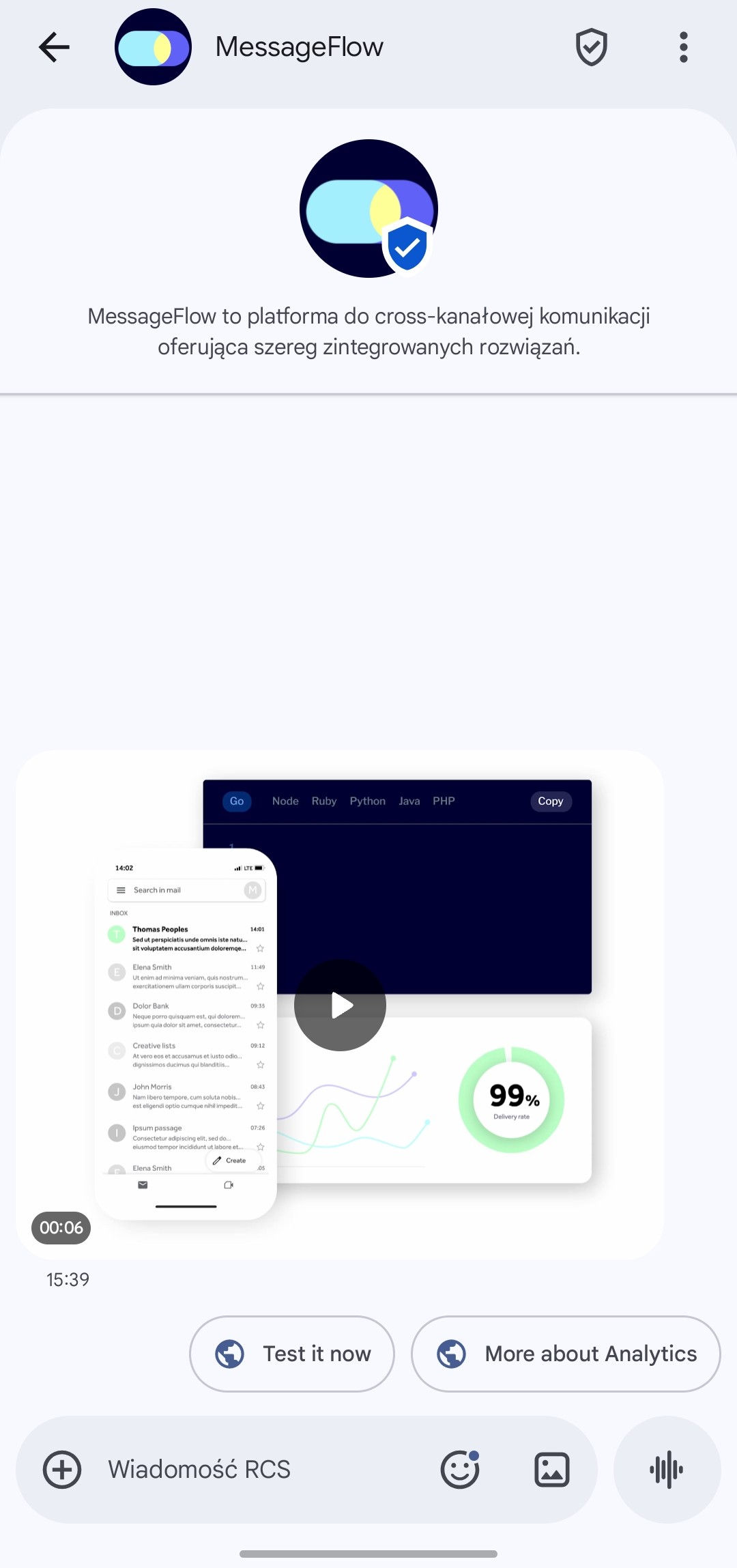
Used to send a video file as a standalone message.
* **Aspect ratio:** 16:9 or 9:16
* **Maximum file size:** 20 MB
* **Supported formats:** h263, m4v, mp4, mpeg, mpeg4, webm
### Rich Card (Single Card)
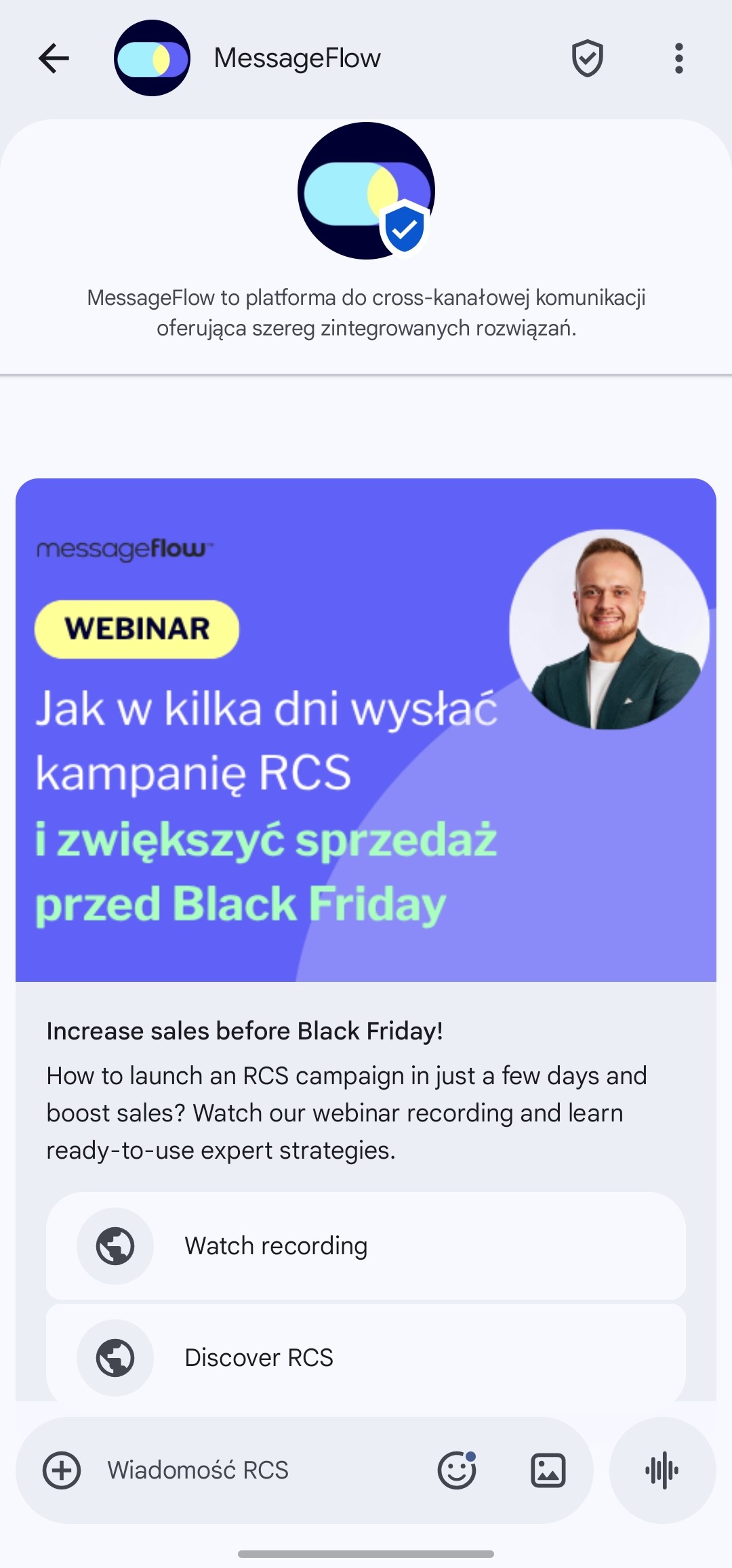
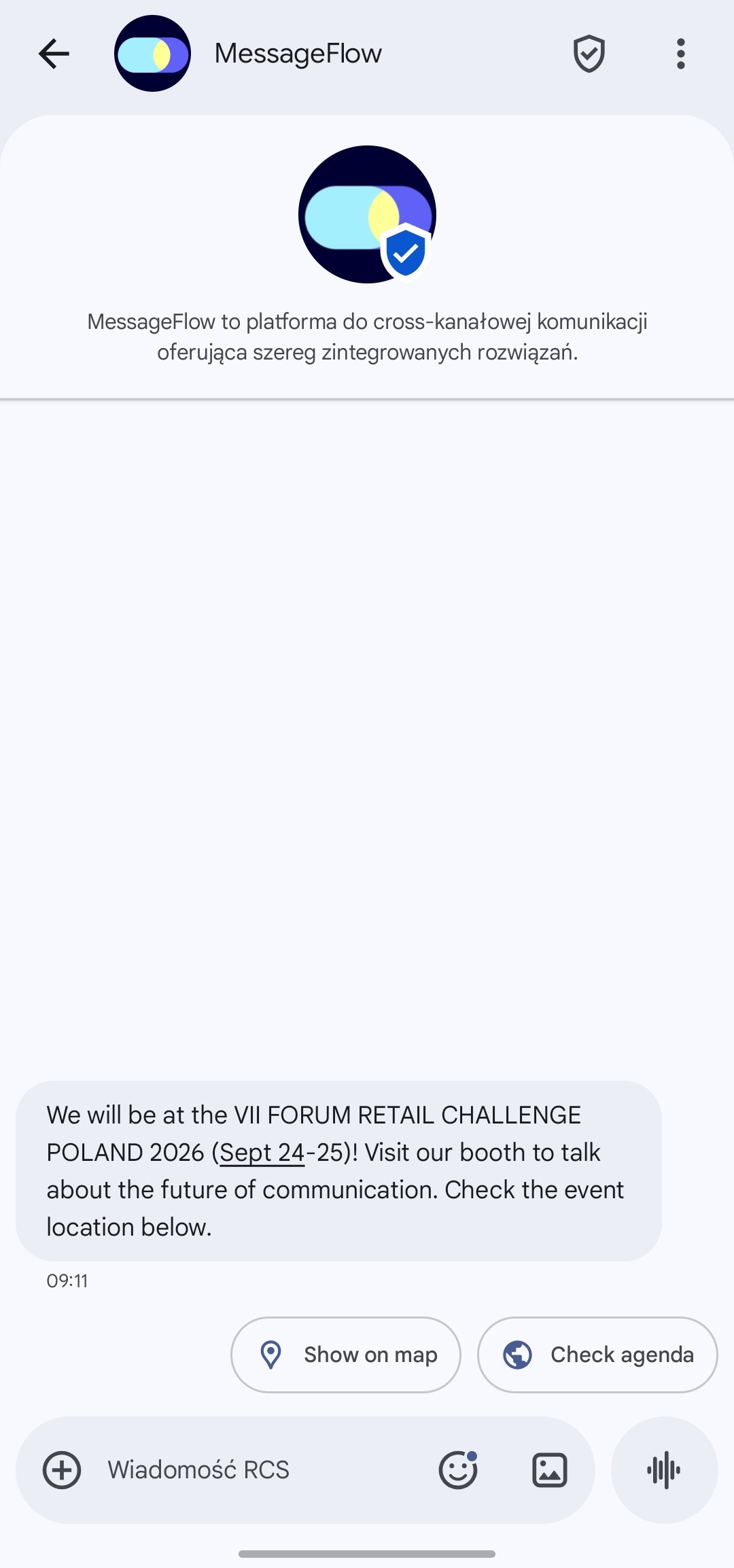
A single, expanded card that can include an image, video, title, description, and interactive buttons.
* **Title:** up to 100 characters
* **Description:** up to 1,000 characters
* **Media:**
* Images: GIF, JPG, JPEG, PNG – recommended max size 4 MB
* Videos: h263, m4v, mp4, mpeg, mpeg4, webm – max size 5 MB
* **Suggested resolution (horizontal media):** 770 × 335 px (recommended file size 40–100 kB)
* **Safe area (content padding):**
* 20 px top
* 20 px bottom
* 180 px left
* 180 px right
### Card Carousel
A horizontally scrollable set of multiple Rich Cards.
* **Maximum number of cards:** 4
* **Single card specifications:**
* Title: up to 100 characters
* Description: up to 1,000 characters
* **Recommended for better readability:**
* Title: up to 24 characters
* Description: up to 77 characters
* **Media aspect ratio:** 4:3
* **Suggested resolution:** 605 × 452 px (recommended file size 40–100 kB)
* **Safe area (content padding):**
* 121 px top
* 121 px bottom
* 75 px left
* 75 px right
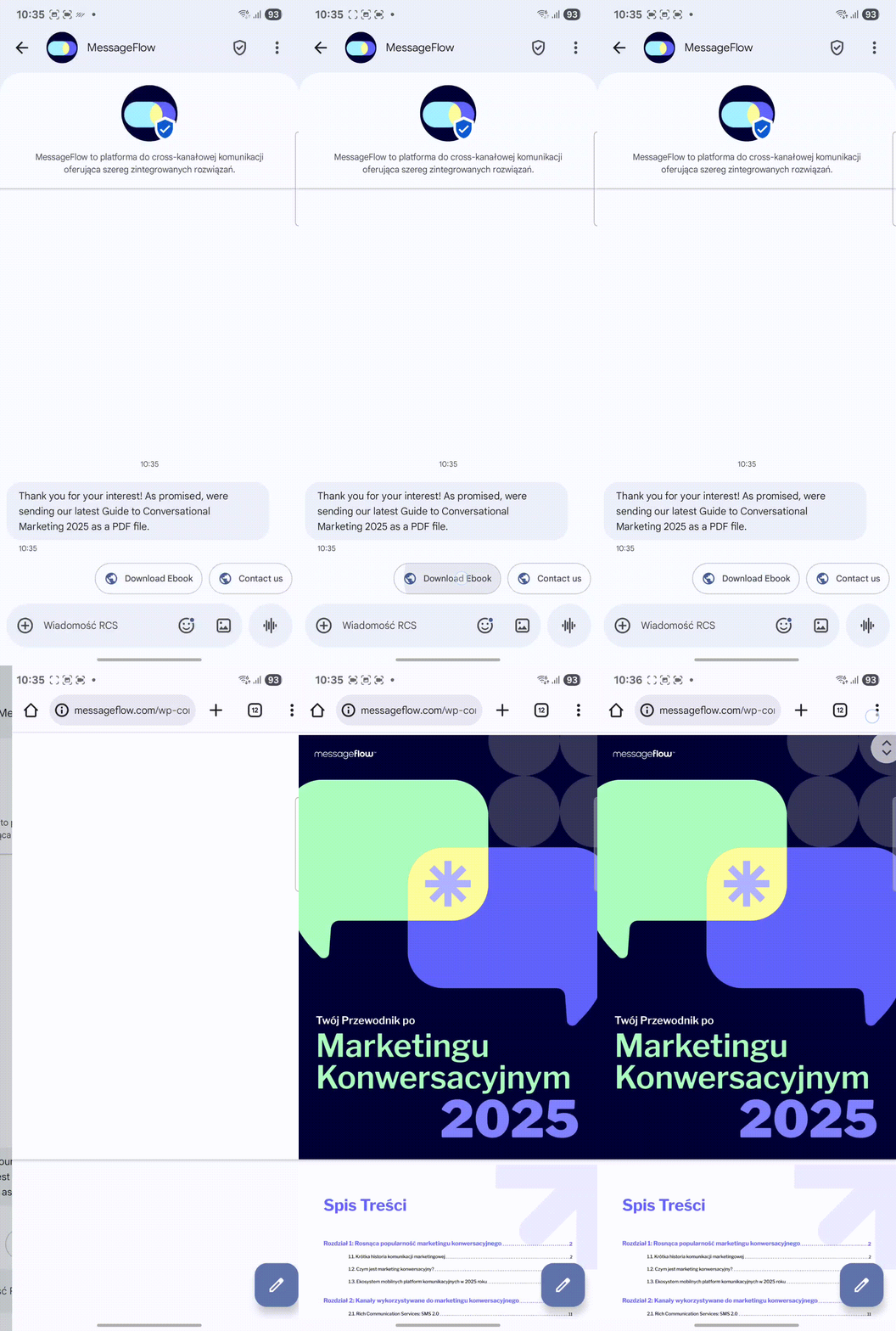
### File Message (Audio / PDF)
Used to send an audio file or PDF document.
* **Audio:**
* Max file size: 20 MB
* Supported formats: MP3, WAV
* **Document (PDF):**
* Recommended max file size: 5 MB
### Map (Location Link)
Used to send a location pin or map link.
* **Location:** Requires GPS coordinates (latitude and longitude).
***
## Suggestions (Buttons)
Suggestions are not a standalone message type (like Rich Cards or Video) but a feature that can be added to most components (except RCS Basic).
**Functions:** Buttons can perform one of the following actions:
* Open a webpage
* Dial a phone number
* Open a map (requires GPS coordinates)
* Send a text reply
**Technical limits:**
* Maximum number: 11
* Button text: Up to 25 characters
***
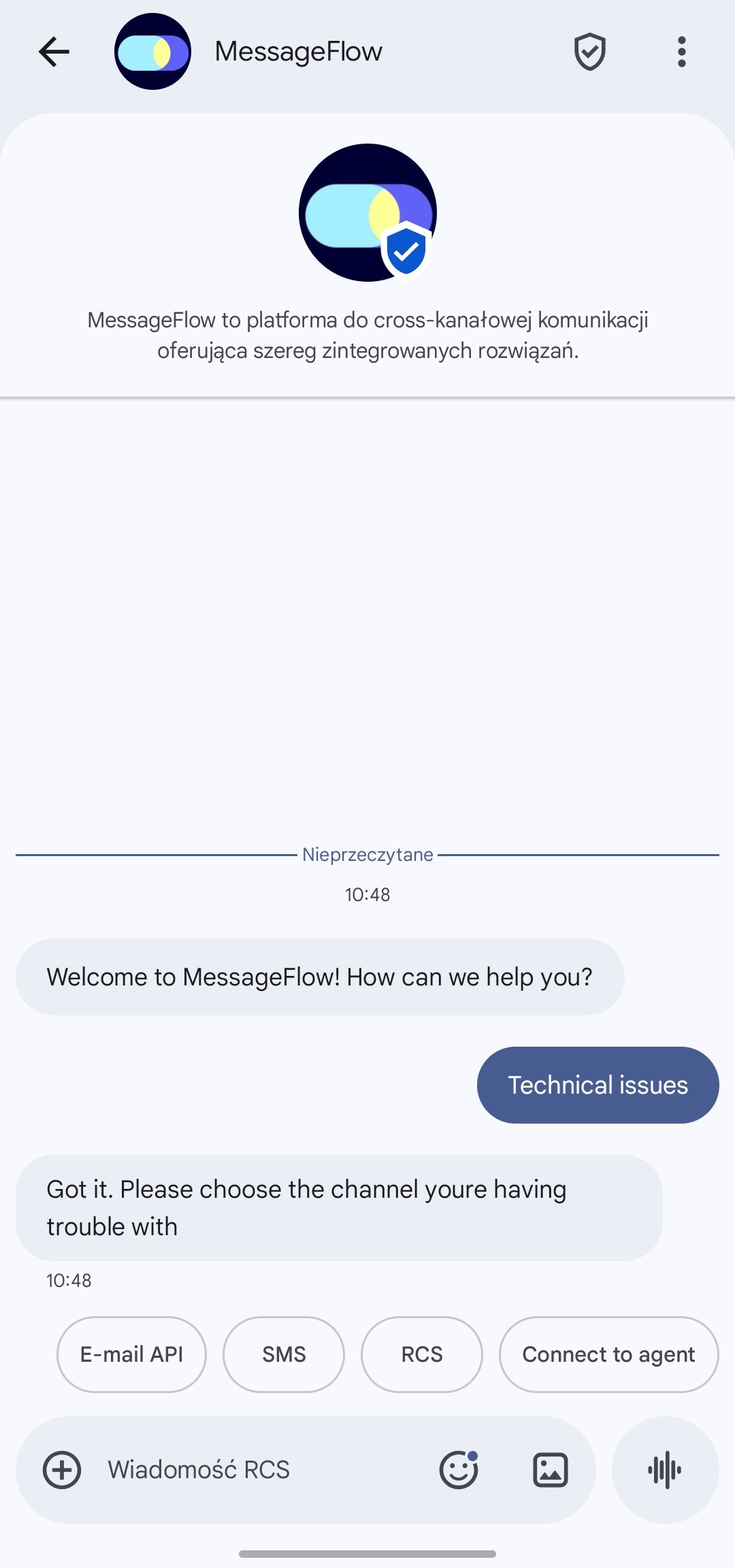
## Chat RCS / Conversation
This is the most advanced communication mode in the RCS channel, transforming one-way notifications into a real-time, two-way dialogue.
Unlike traditional channels, Chat RCS enables the entire customer service or sales process to be conducted directly within the messaging app on the user's phone.
Key Features of Conversational Communication in RCS:
* **24-Hour Window:** When a user replies to your message or clicks a button, a so-called conversation window opens. During this time, you can exchange an unlimited number of messages with them for free (or within a single session rate), fostering free-flowing dialogue.
* **Automation and Bots:** You can create advanced scenarios (chatbots) that automatically handle typical inquiries (e.g., order status, appointment scheduling), relieving your team.
* **Seamless Handover to Consultant:** If necessary, the conversation can be smoothly transferred to a live agent while maintaining the full conversation history.
Business Applications:
1. **Sales Support (Advisory):** Help customers choose a product, send carousels with recommendations, and answer availability questions – all in one thread.
2. **Post-Sales Service:** Enable complaint reporting, delivery date changes, or invoice downloading without the need to log in to a website or call a hotline.
3. **Building Loyalty:** Engage recipients through interactive polls, quizzes, or contests that build brand attachment.