> For the complete documentation index, see [llms.txt](https://docs.messageflow.com/llms.txt). Markdown versions of documentation pages are available by appending `.md` to page URLs; this page is available as [Markdown](https://docs.messageflow.com/sms/sms-api/incoming/export.md).
# Export
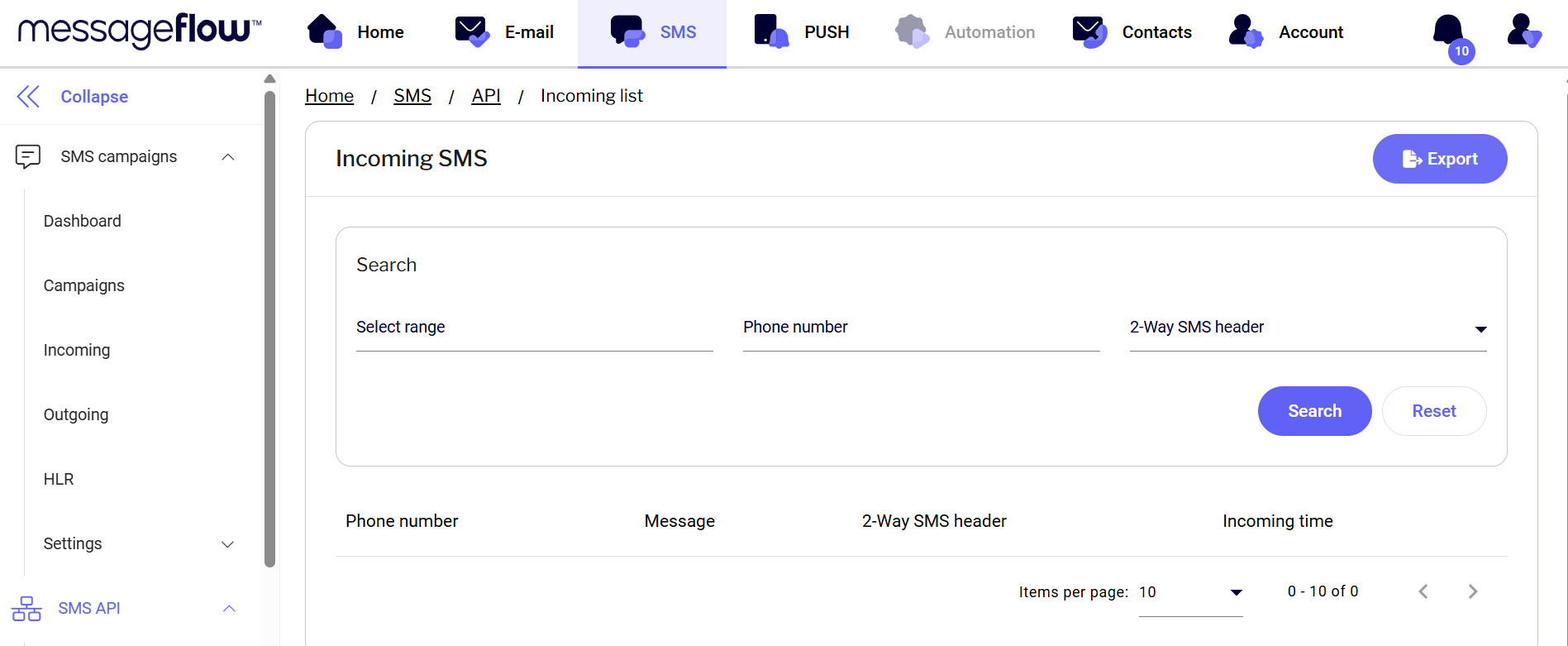
Using the export button in the top right corner of the panel, you can export the list of received messages.
1. Click the **Export** button in the top right corner.
2. Once the export is ready, you will receive an email notification.
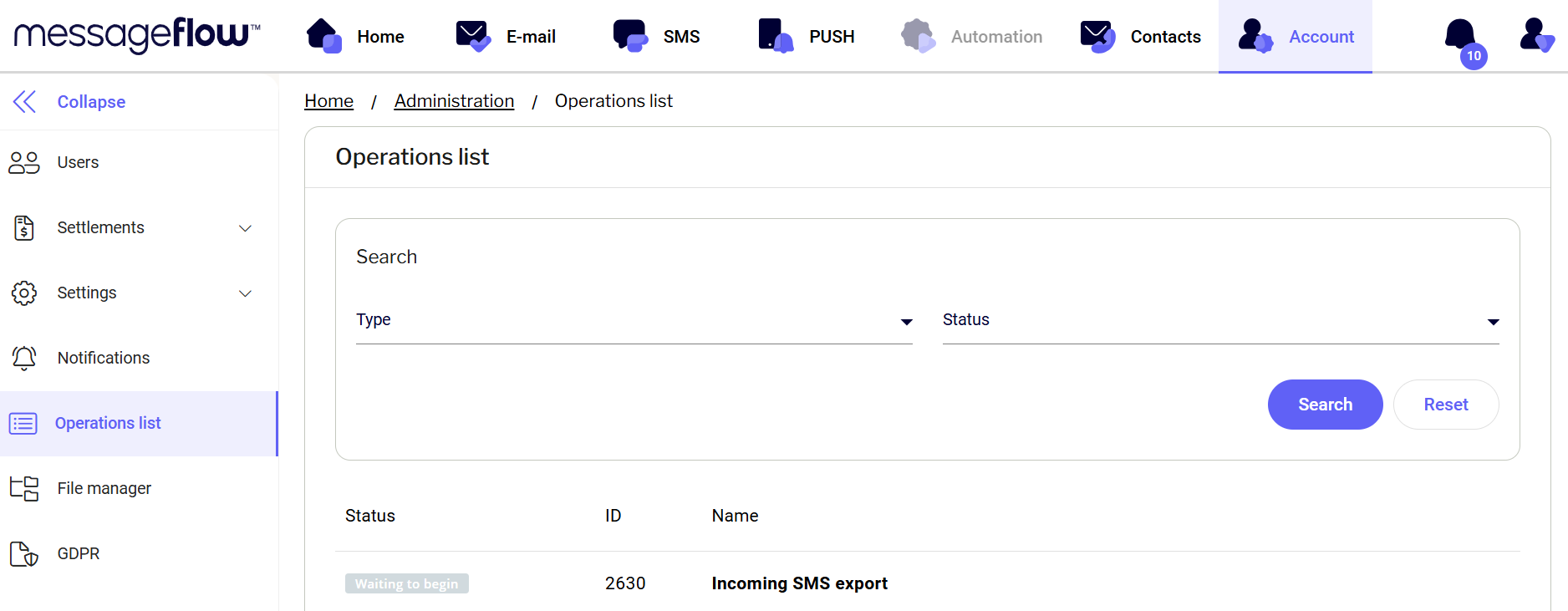
3. You can find the ready file in the **Operation List**:
1. Go to the **Account** tab (select **Account** from the top menu).
2. From the left-hand menu, choose **Operation List**.
Your file will be at the top of the list – click the **Download** button to save the file to your device.