> For the complete documentation index, see [llms.txt](https://docs.messageflow.com/llms.txt). Markdown versions of documentation pages are available by appending `.md` to page URLs; this page is available as [Markdown](https://docs.messageflow.com/sms/sms-campaigns/campaigns/campaign-list.md).
# Campaign list
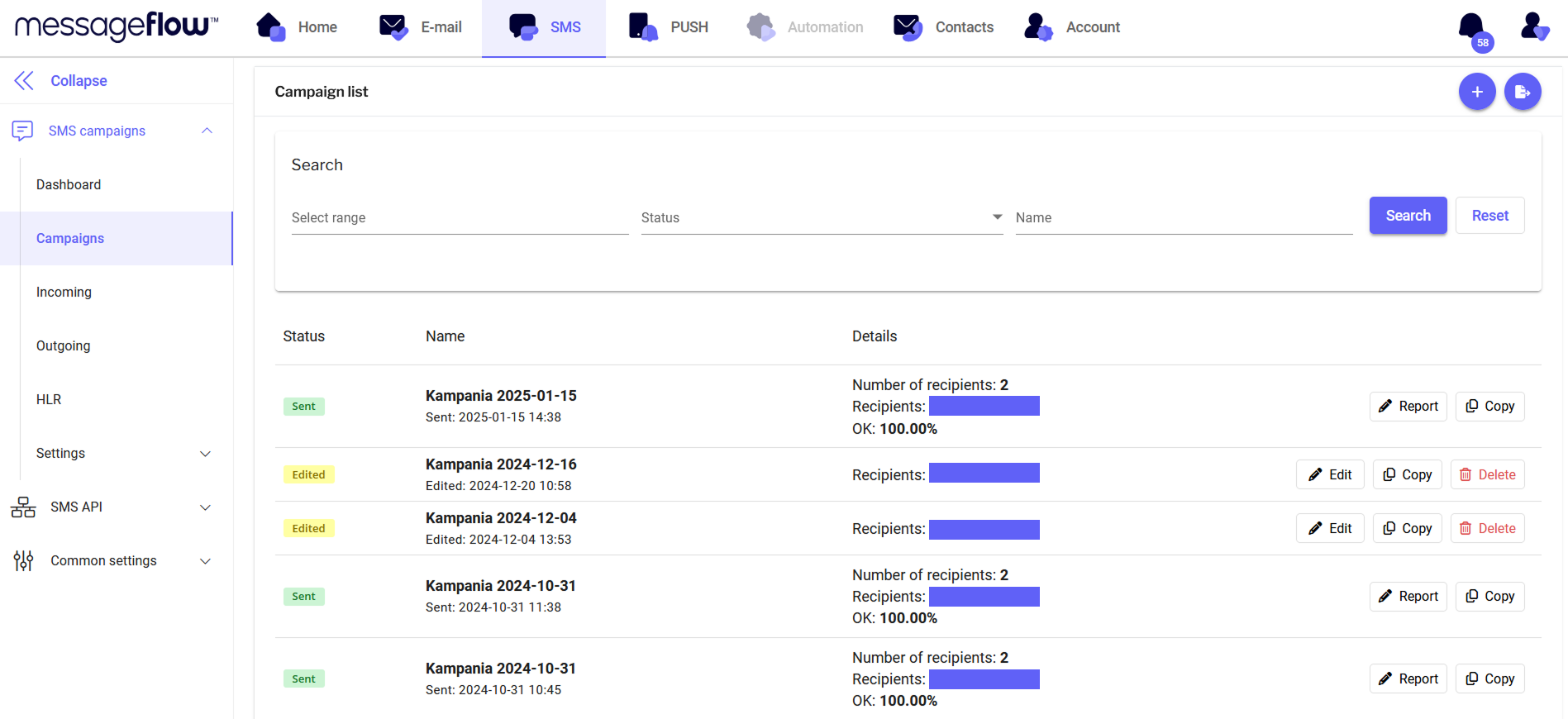
In the **Campaigns** tab, in the **Campaign List** view, you can see the list of the most recently sent SMS campaigns from the panel along with their details.
## Search
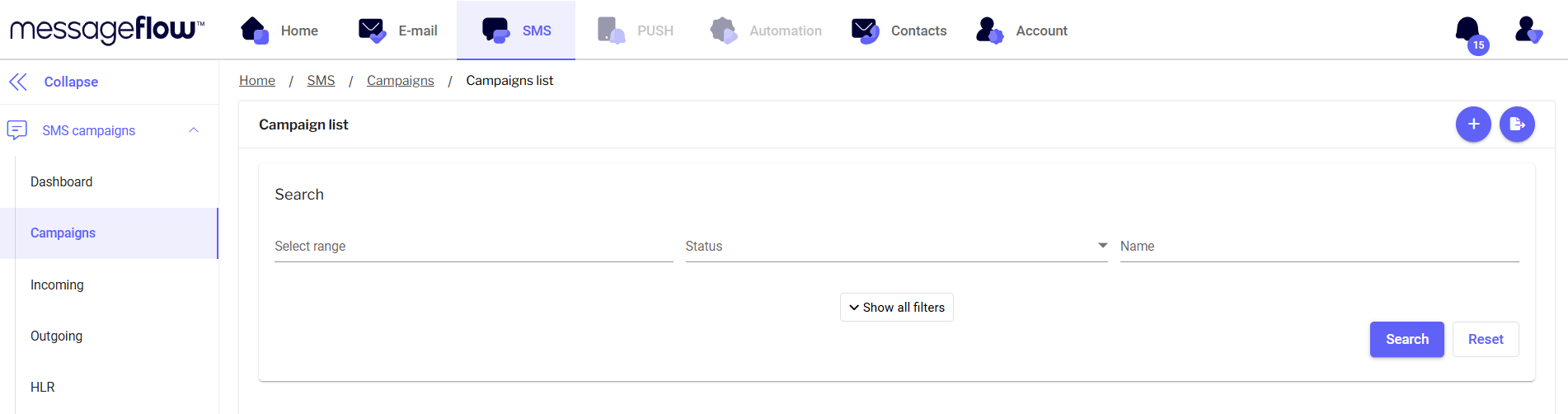
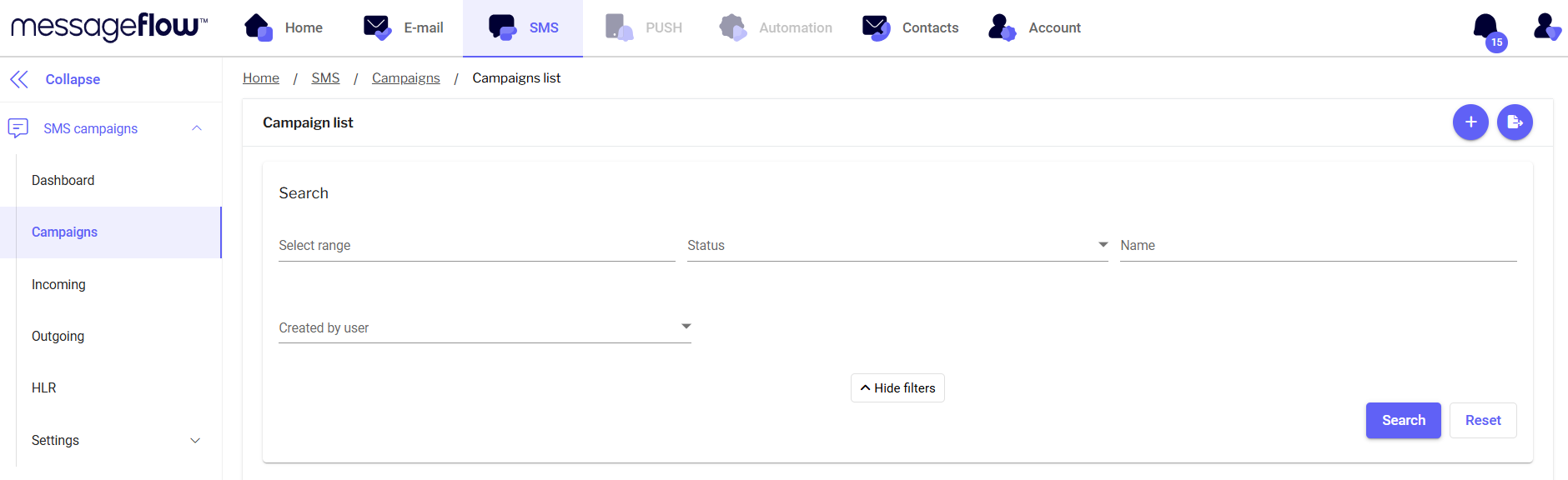
In the search engine, you will find filters so that you can search for specific campaigns:
* **Select range** - when you click on this filter, you will see a calendar where you can select the date range of campaign dispatches you are interested in
* **Status** - search by campaign status
* **Name** - search by campaign name
* Created by user - search by the user (user account name) who sent the campaign -> the filter is visible after pressing the **Show all filters** button
## Features
Functions available in this view:
* **Add New Campaign** – Click the **+** sign in the upper-right corner to add a new campaign.
* **Export Campaign** – Click the export icon in the upper-right corner. This allows you to export sent campaigns to a file, enabling you to analyze panel sending data such as campaign results, send time, and number of recipients.
* **Search Bar** – Find campaigns by their names, statuses, or date ranges.
* **Campaign List** – View the most recently sent SMS campaigns from the panel.
* **Status** – Check the status of your SMS campaign.
* **Edited** – Campaign in the editing phase.
* **Scheduled** – Campaign scheduled for sending.
* **Preparing** – Campaign being prepared for sending.
* **Sending** – Campaign in the process of being sent.
* **Sent** – Campaign completed.
* **Name** – The name of your campaign.
* **Details** – More information about the campaign:
* **Recipients** – The recipient group assigned to the campaign.
* **Number of Recipients** – The number of recipients the campaign is sent to.
* **OR (Open Rate)** – The rate of message views.
* **CTR (Click-through Rate)** – The percentage of clicks on links in your sent campaign.
* **Edit** – Edit campaigns that haven’t been sent yet.
* **Copy** – Copy the campaign, edit it, or send it again to a different recipient group.
* **Delete** – Delete campaigns that haven’t been sent yet.
* **Report** – Open the report for a selected campaign and analyze its results. You can find a discussion of the campaign reports here.