> For the complete documentation index, see [llms.txt](https://docs.messageflow.com/llms.txt). Markdown versions of documentation pages are available by appending `.md` to page URLs; this page is available as [Markdown](https://docs.messageflow.com/sms/sms-campaigns/incoming/export-list.md).
# Export list
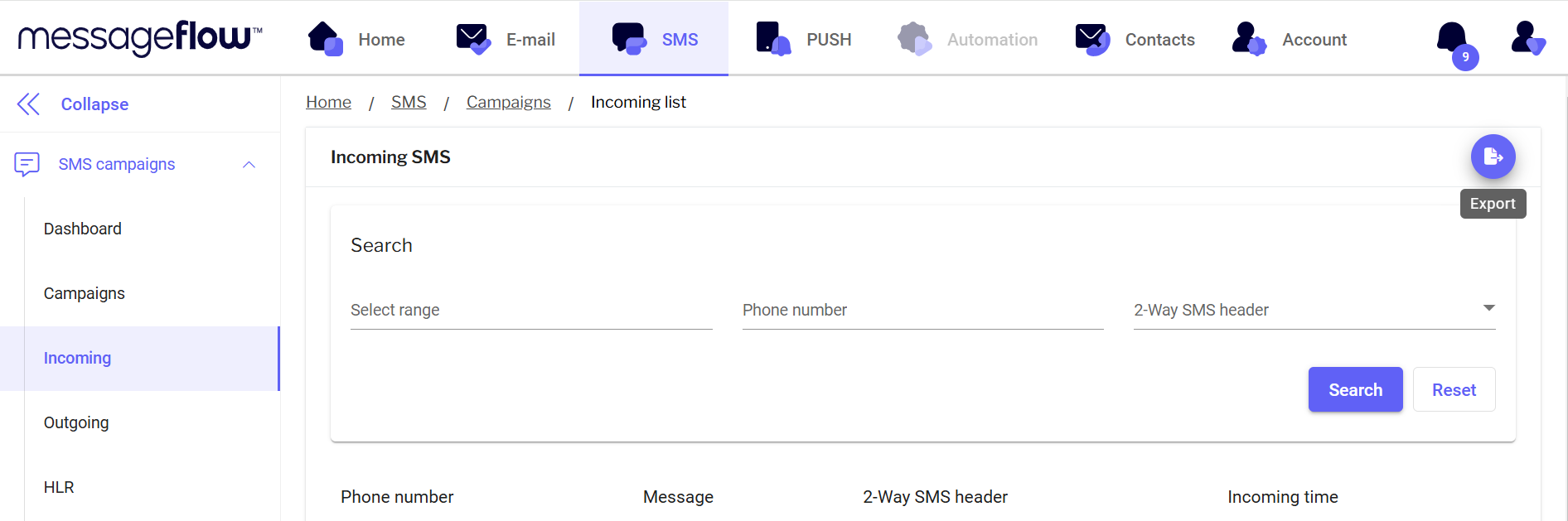
Thanks to the **Export** button in the top-right corner of the panel, you can export a group of recipients.
1. Click the **Export** button in the top-right corner.
2. Once the export is ready, you will receive an email notification.
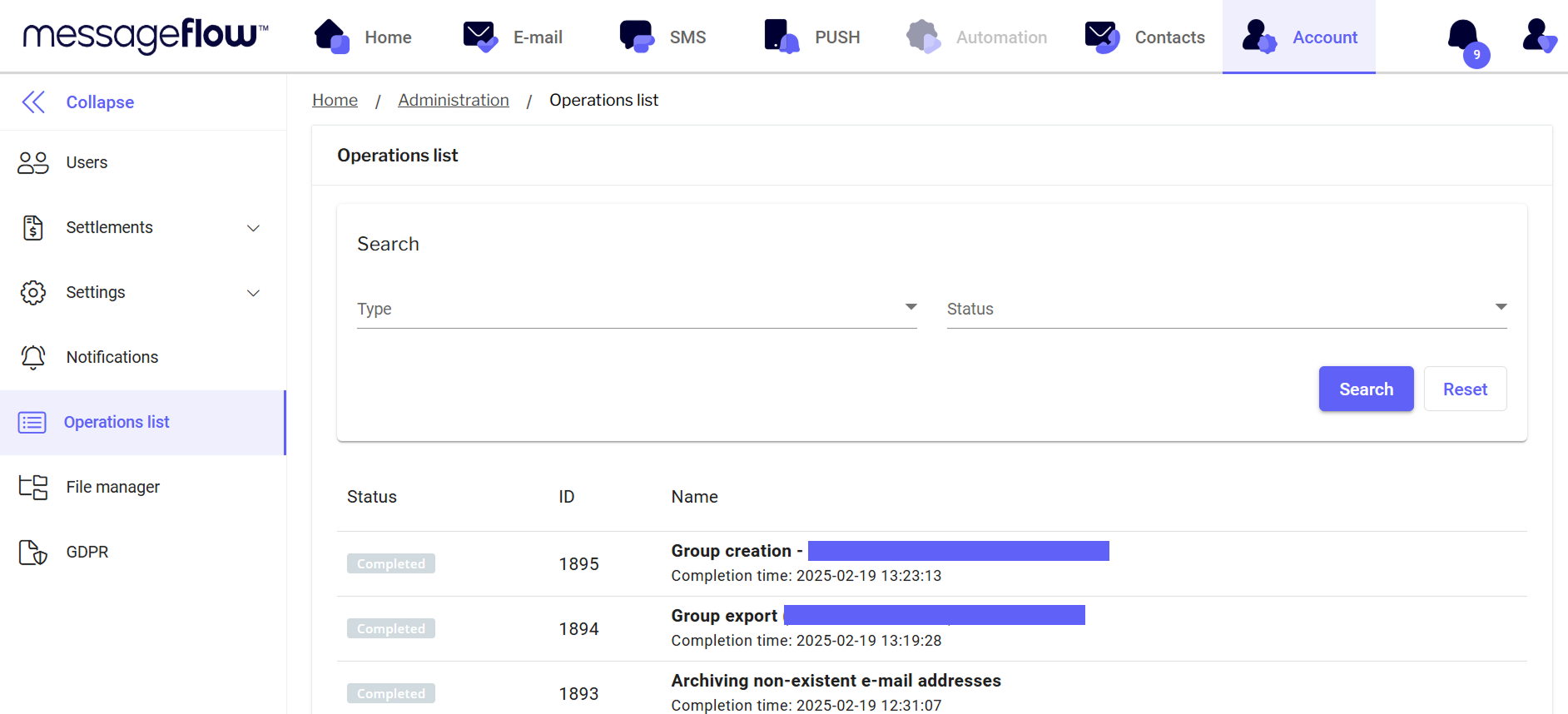
3. You can find the exported file in the **Operations List**:
1. Go to the **Account** tab (select Account from the top menu):
* Select **List of operations** from the left menu:
* Your file will be first on the list - using the **Download** button you can download the file to your drive.
4. The exported file contains information such as:
* Number
* Content
* Delivered
* NDI