> For the complete documentation index, see [llms.txt](https://docs.messageflow.com/llms.txt). Markdown versions of documentation pages are available by appending `.md` to page URLs; this page is available as [Markdown](https://docs.messageflow.com/sms/sms-common-settings/sender-ids.md).
# Sender IDs
## What is Sender ID?
Sender ID is the name of the sender who sends an SMS message. Sender ID can take the form of:
* **Phone number** (e.g., +48123456789) – for messages where the recipient can reply, i.e., for two-way communication (2way).
* **Custom alphanumeric name** (e.g., "YourBrand") – usually for one-way messages where replies are not possible.
## **Sender IDs in the panel**
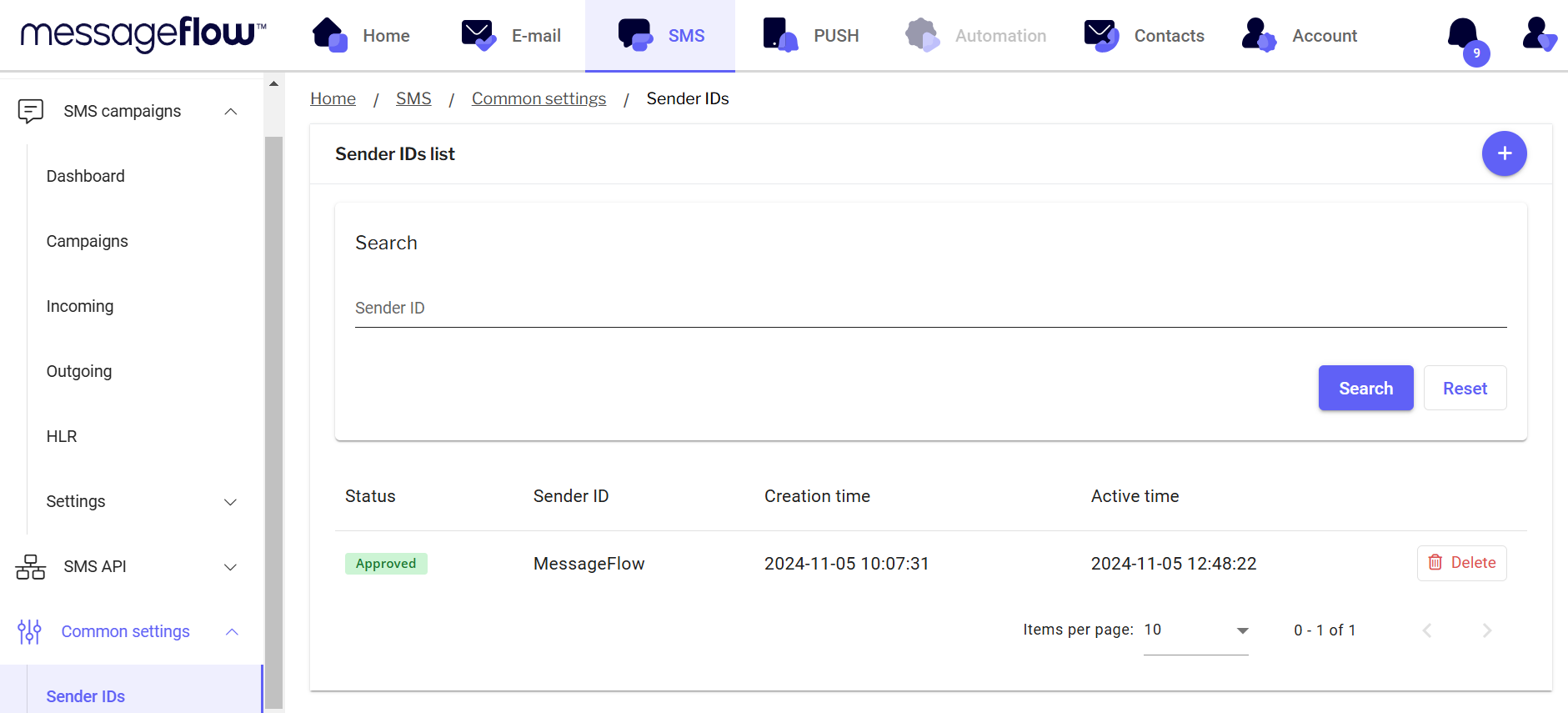
In the **Sender IDs** tab, you will find a collection of information about the headers on your account and their statuses.
### **Adding a New Sender ID**
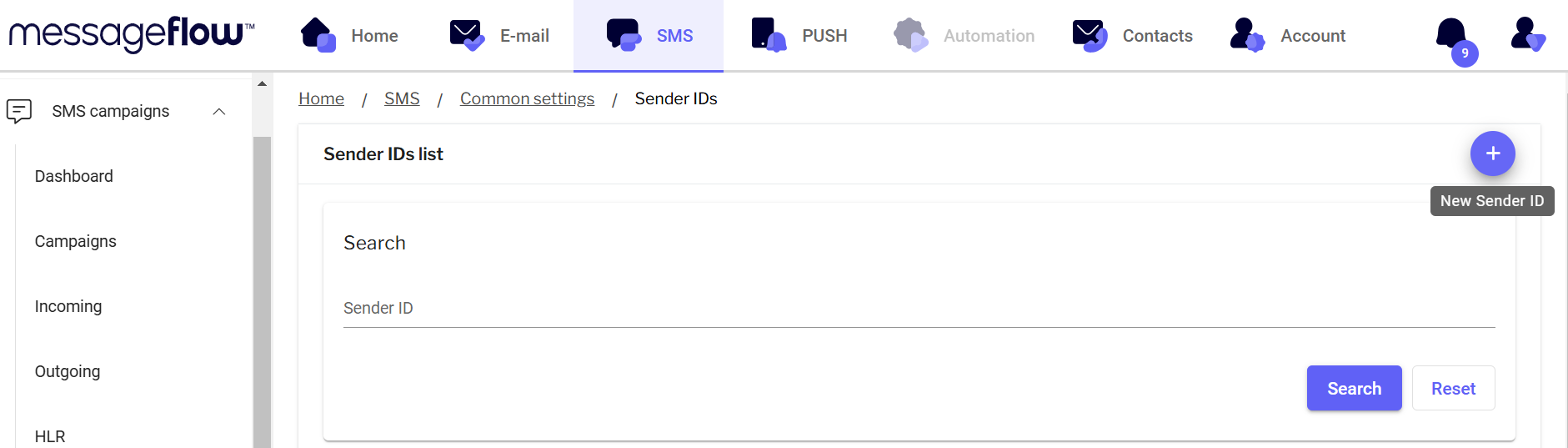
1. With the + button in the top right corner of the panel, you can add a new sender name.
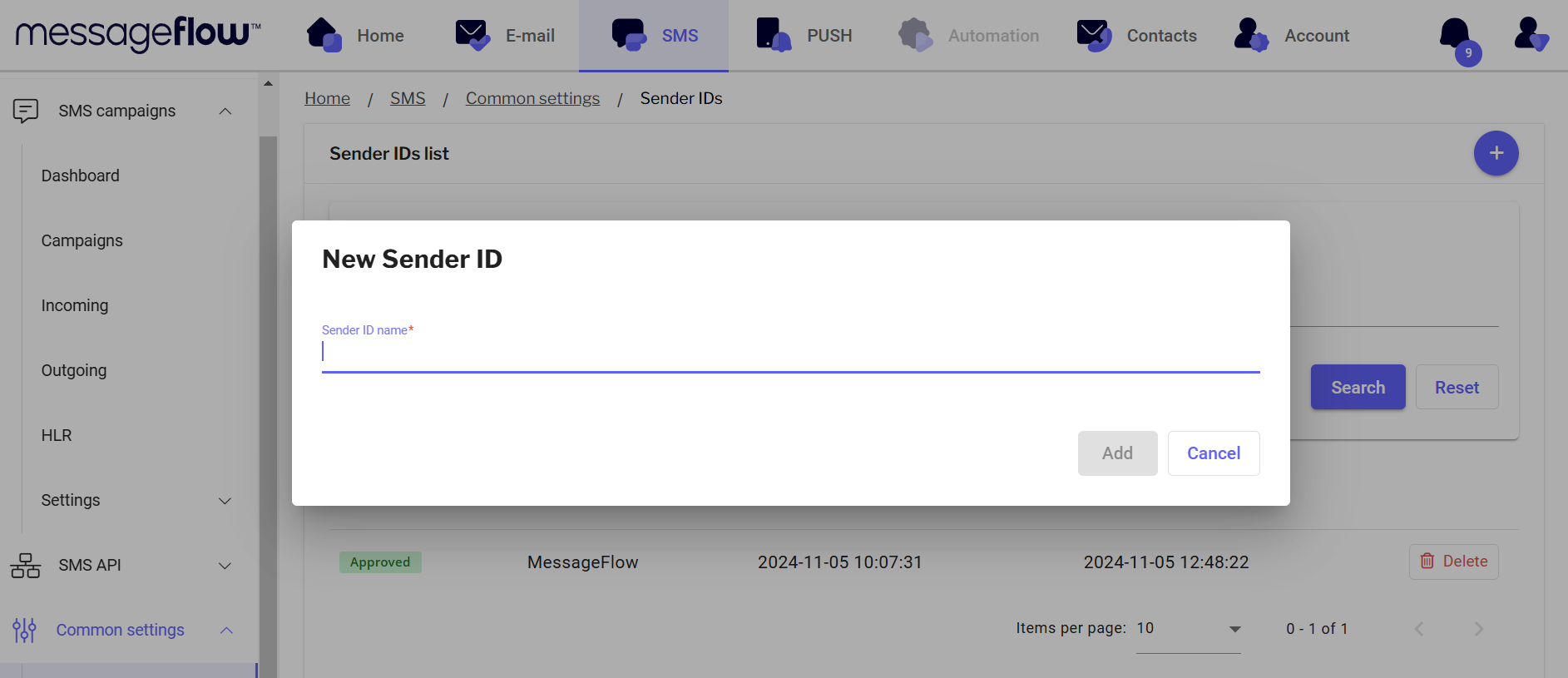
2. In the pop up that appears after clicking the **+**, fill in the new Sender ID name.
{% hint style="warning" %}
Remember, the header must consist of at least 3 characters and no more than 11 characters.
{% endhint %}
3. Then click **Add**.
After saving the entered header, our Customer Support team will verify the added sender name. After verification, our team will contact the account administrator to obtain approval for the header.
Once the verification and approval are complete, the header will be activated and available for use. The current status of the sender name can be found in the SMS Headers tab.
## **Statuses**
* **Approved** – SenderID has been approved by the Support team, and you can use it.
* **Pending** – Awaiting verification by the Support team.
* **Rejected** – Rejected by the Support team.